


More Details
Explore the Tekneworld USB-C Hubs Collection Designed for Multi-Port Connectivity and Everyday Productivity
The Tekneworld USB-C Hubs Collection features TEKNE hubs built to expand a single USB-C port into multiple simultaneous connections HDMI, USB-A, SD card, and power delivery. Developed by TEKNE, the premium technology accessories brand from Tekneworld, every hub in this collection is designed to replace several single-purpose dongles with one compact, reliable device.
As part of the Ample Group family, Tekneworld builds this collection around the reality that modern laptops and tablets often ship with far fewer ports than daily productivity actually requires.
Why Has a USB-C Hub Become Essential for Modern Laptops and Tablets?
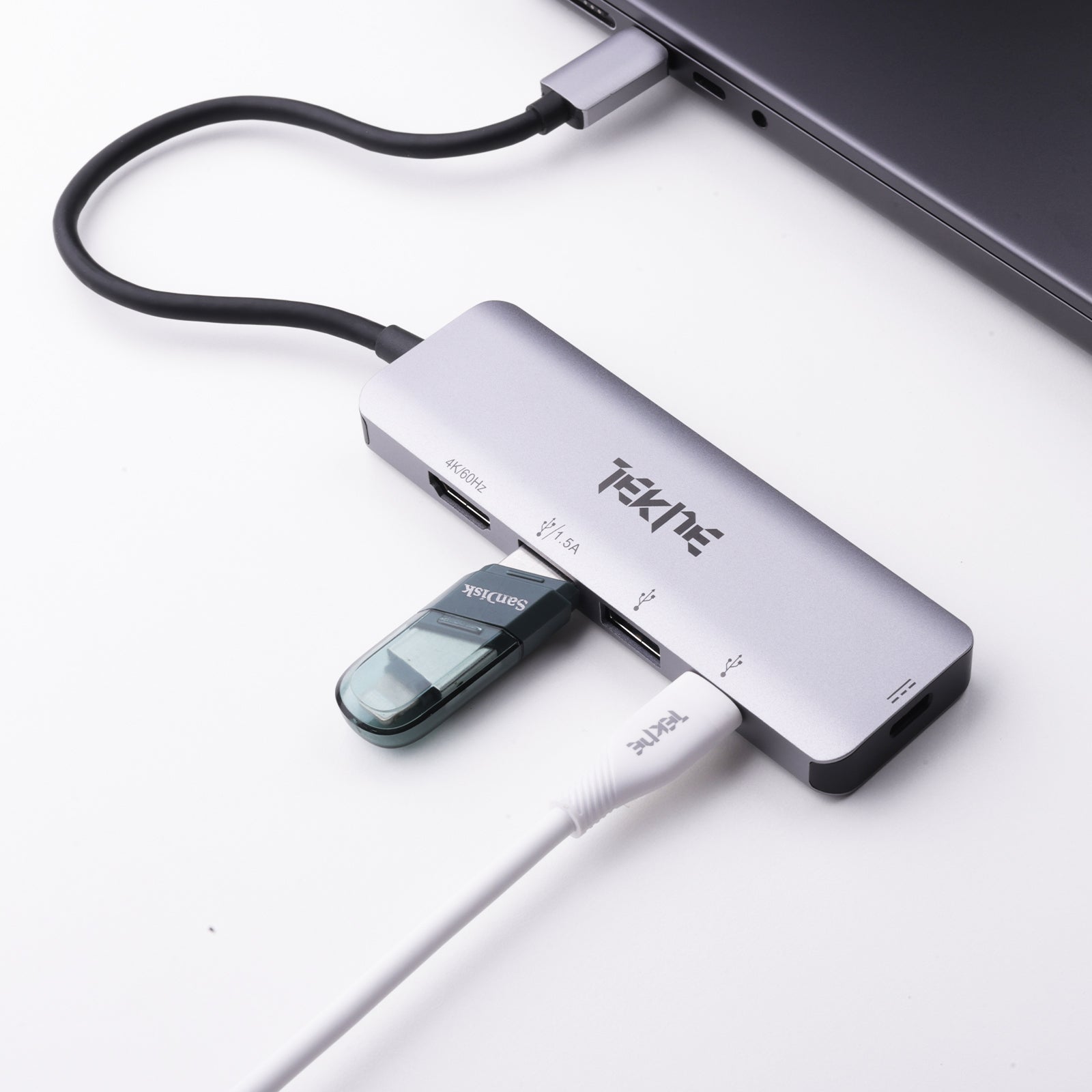
A usb c hub solves the port shortage built into most modern ultrabooks and tablets, which typically ship with just one or two USB-C ports. A usb type c hub consolidates charging, display output, and data transfer into a single connection point instead of requiring several separate adapters.
- Consolidates charging, display, and data into one connection
- Solves the port shortage on modern ultrabooks and tablets
- Replaces multiple single-purpose dongles with one device
How Does 100W Power Delivery Support Both Charging and Multitasking?
A usb c hub with pd charging supports laptop-level power delivery, not just phone charging — meaning a single hub can charge a connected laptop while simultaneously running a monitor and other peripherals. This matters for a usb c hub for macbook or usb c hub for windows laptop used at a desk setup.
- Laptop-level charging alongside simultaneous peripheral use
- No separate charging cable needed for the connected device
- Suited to demanding, multi-device desk setups
Compare the Premium Features Available Across Tekneworld USB-C Hubs
| Feature | Details |
|---|---|
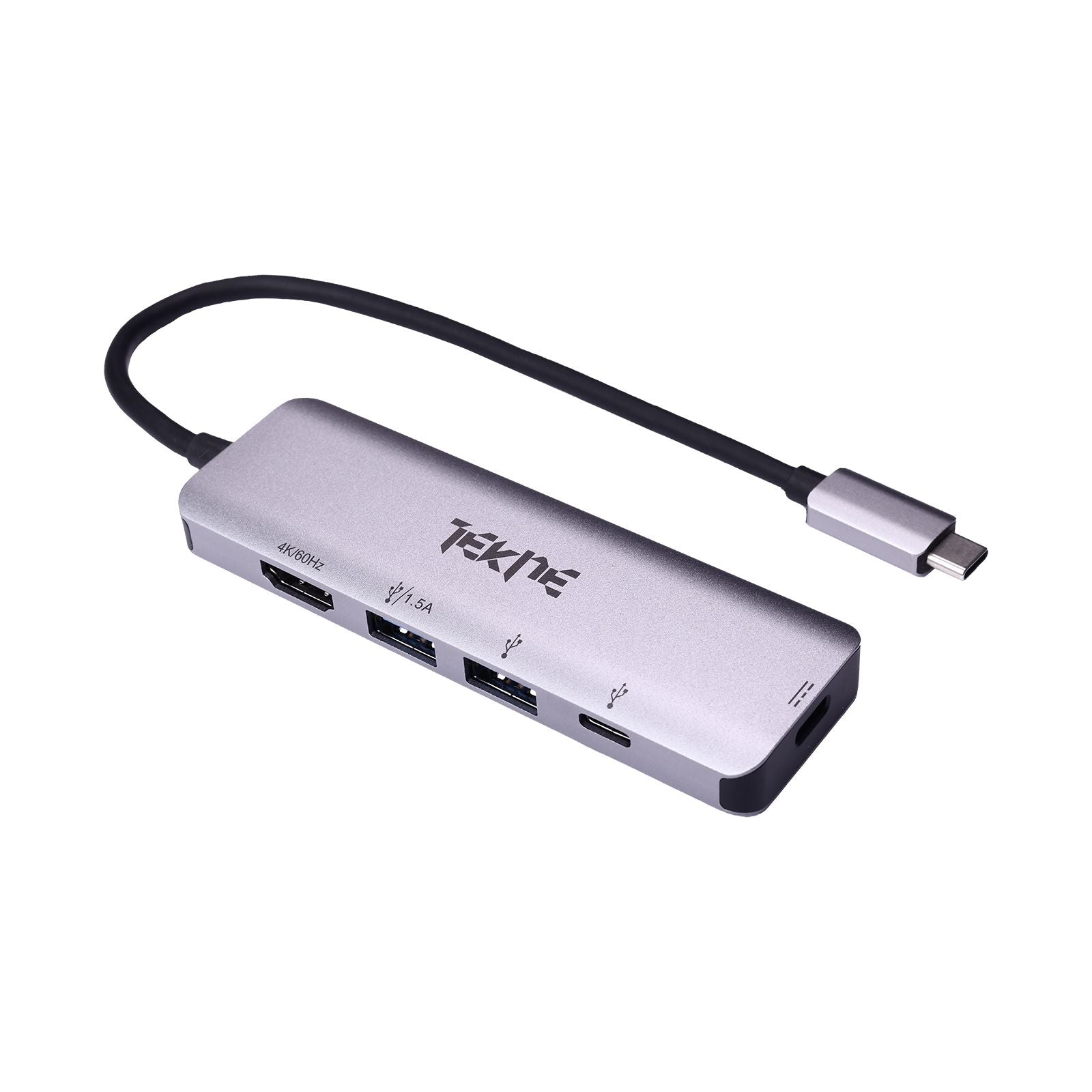
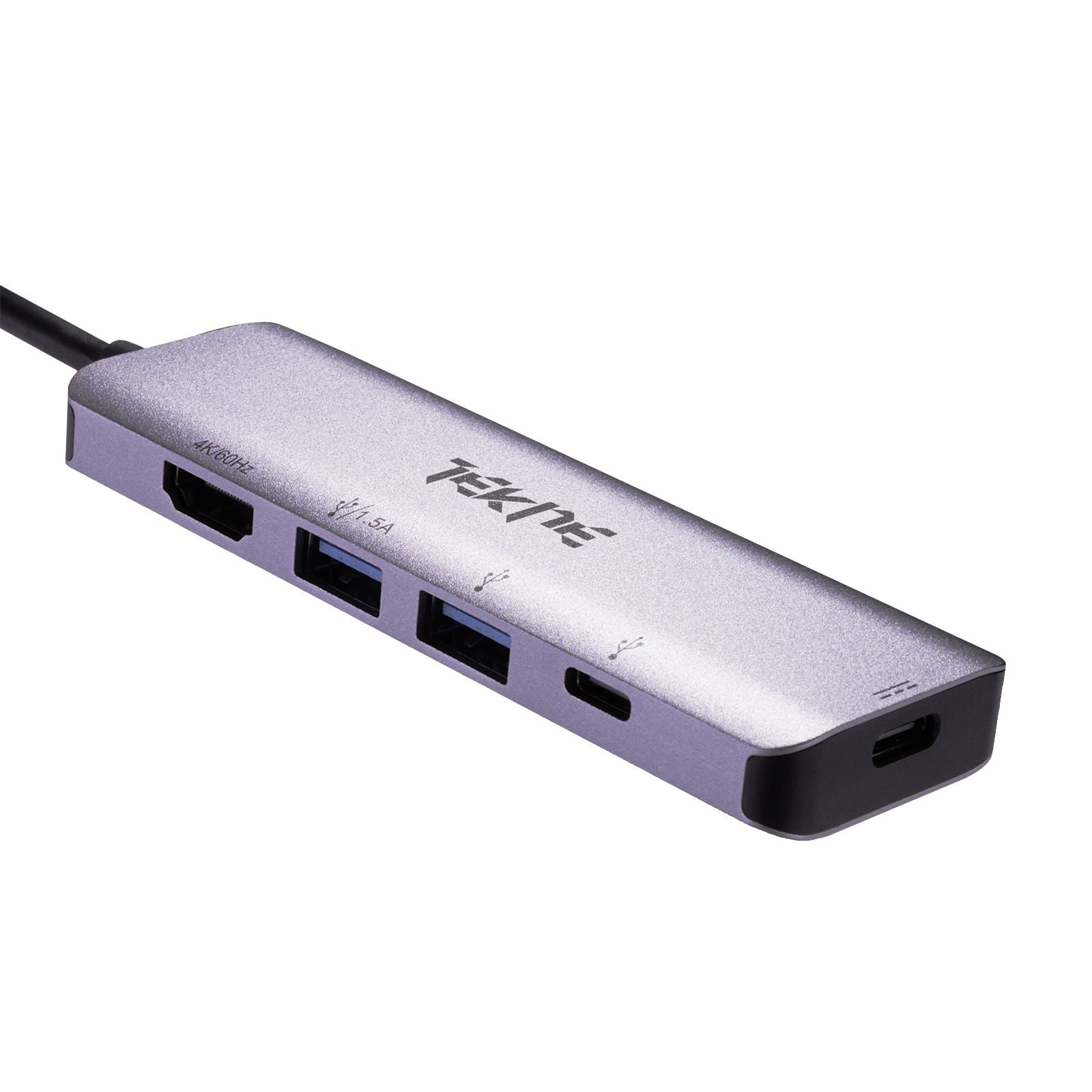
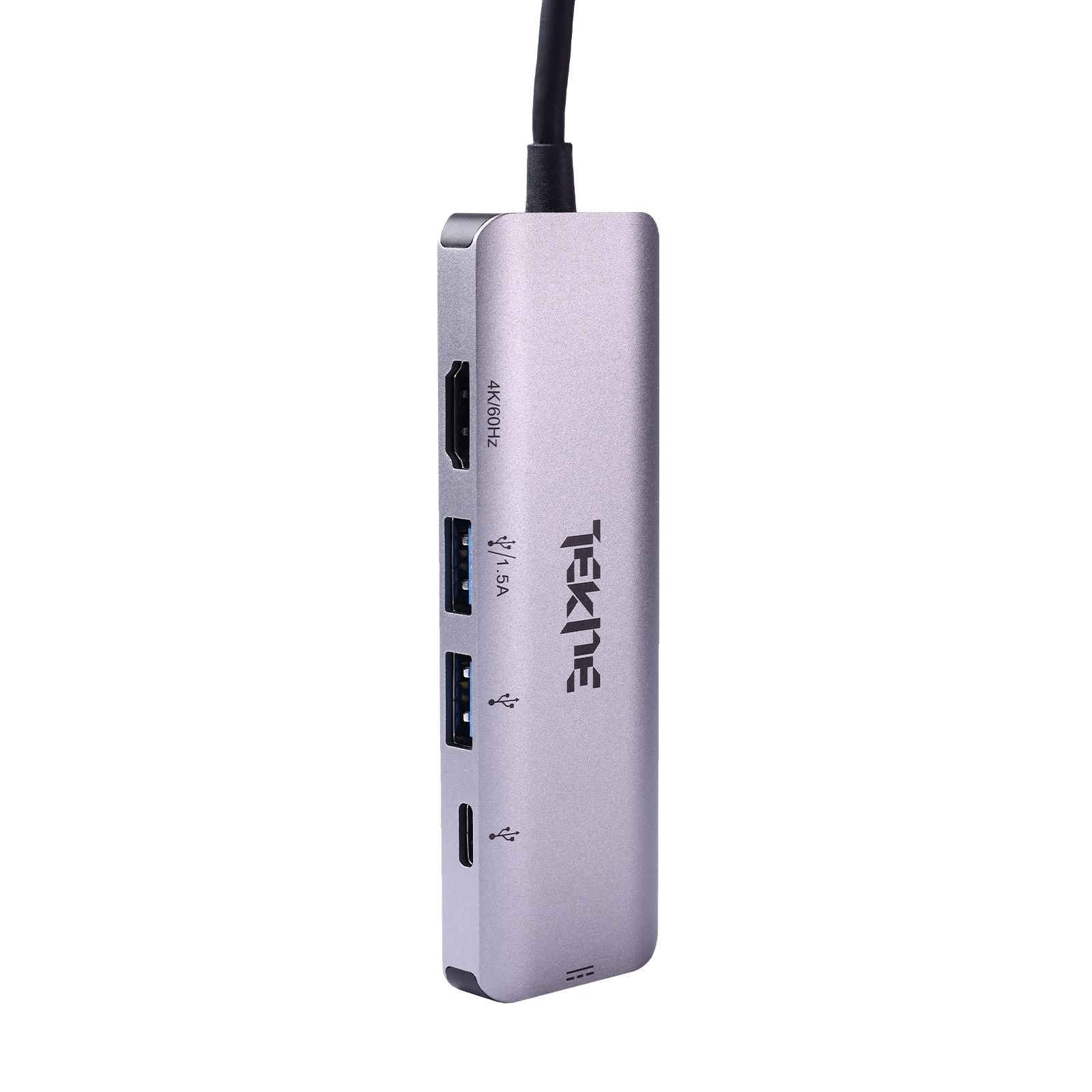
| Port Configuration | 5-in-1: USB-C, USB-A, HDMI, SD card, and more |
| Power Delivery | 100W fast charging |
| Display Output | 4K HDMI |
| Data Transfer | High-speed USB 3.0 |
| Build | Compact, lightweight, portable |
| Compatibility | MacBooks, Windows laptops, iPads |
| Warranty | 2 years |
Which Features Should You Consider Before Choosing a USB-C Hub?
A best usb c hub should be judged on port selection matched to actual daily needs a usb c hub for iPad users may not need Ethernet, while a usb c hub with ethernet matters more for a stable wired office connection. A 7 in 1 usb c hub isn't automatically better than a simpler model if the extra ports go unused.
- Port selection matched to actual daily connectivity needs
- Power delivery wattage checked against connected devices
- Portability weighed for travel versus fixed desk use
Buying Guide: What Should You Consider Before Buying a USB-C Hub Online?
| Buying Factor | What to Check |
|---|---|
| Port Selection | Match ports (HDMI, USB-A, SD) to actual daily use |
| Power Delivery | Confirm wattage supports connected device charging needs |
| Compatibility | Confirm support for MacBook, Windows laptop, or iPad |
| USB C Hub Price | Compare pricing against port count and build quality |
Discover Premium Multi-Port Connectivity from Tekneworld
Tekneworld's USB-C hub lineup is built to replace multiple single-purpose adapters with one reliable, compact device. For the wider connectivity accessory range, buyers can browse the Cables, Hubs and Adapters Collection directly.
Why Buy Premium USB-C Hubs from Tekneworld?
Choosing Tekneworld for a USB-C hub means investing in genuine 100W power delivery, 4K HDMI output, and high-speed data transfer backed by a 2-year warranty. The TEKNE Essential USB-C Hub in Silver this standard directly.
For a compact hub with legacy micro-USB compatibility, browse the USB micro hub option.

