


More Details
Shop the Tekneworld Laptop Screen Cleaners Collection Designed for Safe, Streak-Free Display Care
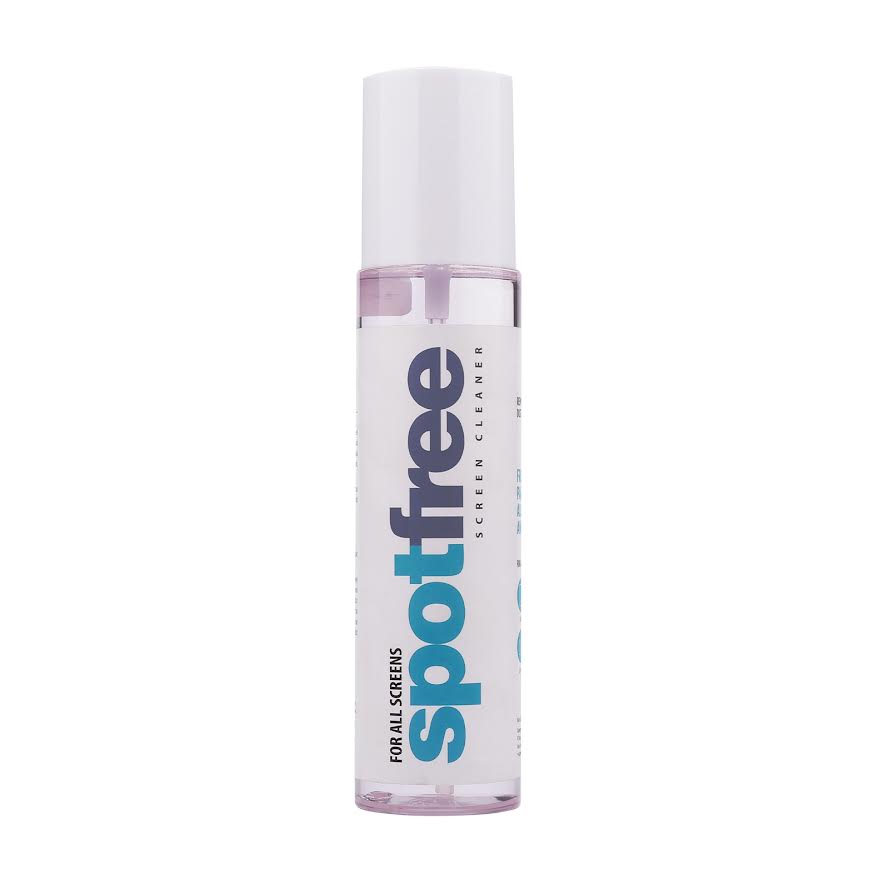
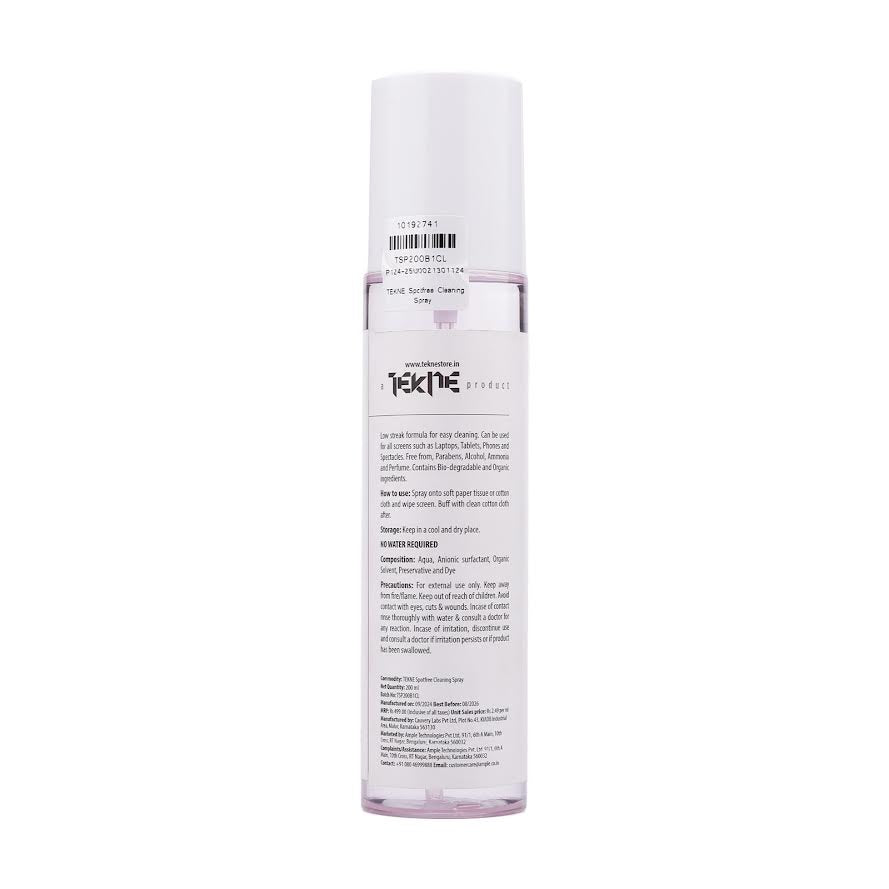
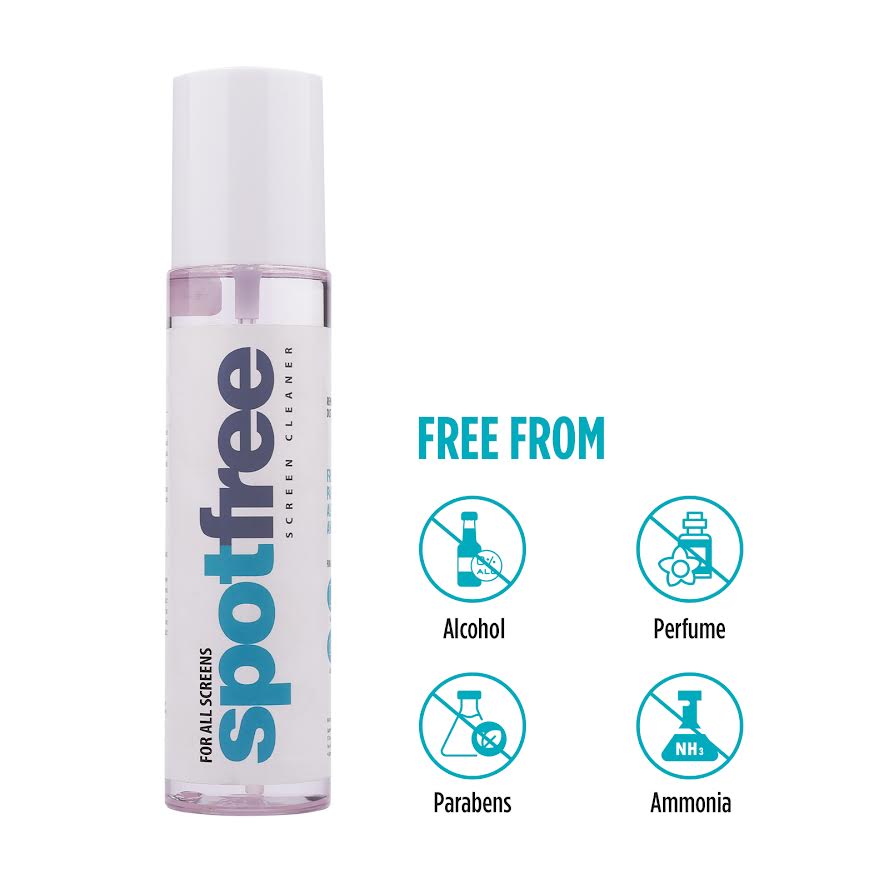
The Tekneworld Laptop Screen Cleaners Collection features the TEKNE SpotFree formula, built specifically to clean laptop and electronic displays without damaging protective coatings. Developed by TEKNE, the premium technology accessories brand from Tekneworld, this alcohol-free, ammonia-free formula lifts dust, fingerprints, and smudges while staying safe for daily use.
As part of the Ample Group family, Tekneworld formulates this cleaner around one priority — protecting delicate display coatings that harsher, alcohol-based sprays can strip away over repeated use.
Why Does a Laptop Display Need a Dedicated Cleaning Formula?
A laptop screen cleaner needs to lift oils and dust without stripping the anti-glare or oleophobic coatings many modern laptops use. Traditional alcohol-based sprays often degrade these coatings over time, which is why a laptop cleaning spray built specifically for delicate surfaces matters.
- Alcohol-free formula preserves protective screen coatings
- Lifts dust and fingerprints without residue
- Safe for repeated, everyday cleaning use
How Does a Streak-Free Formula Improve Everyday Display Clarity?
A display cleaning spray that leaves streaks defeats its own purpose — a screen cleaner for macbook or any laptop display should leave a genuinely clear, residue-free finish rather than a hazy one. The formula's gentle composition is what allows this streak-free result without harming the surface underneath.
- Streak-free, residue-free finish on delicate display surfaces
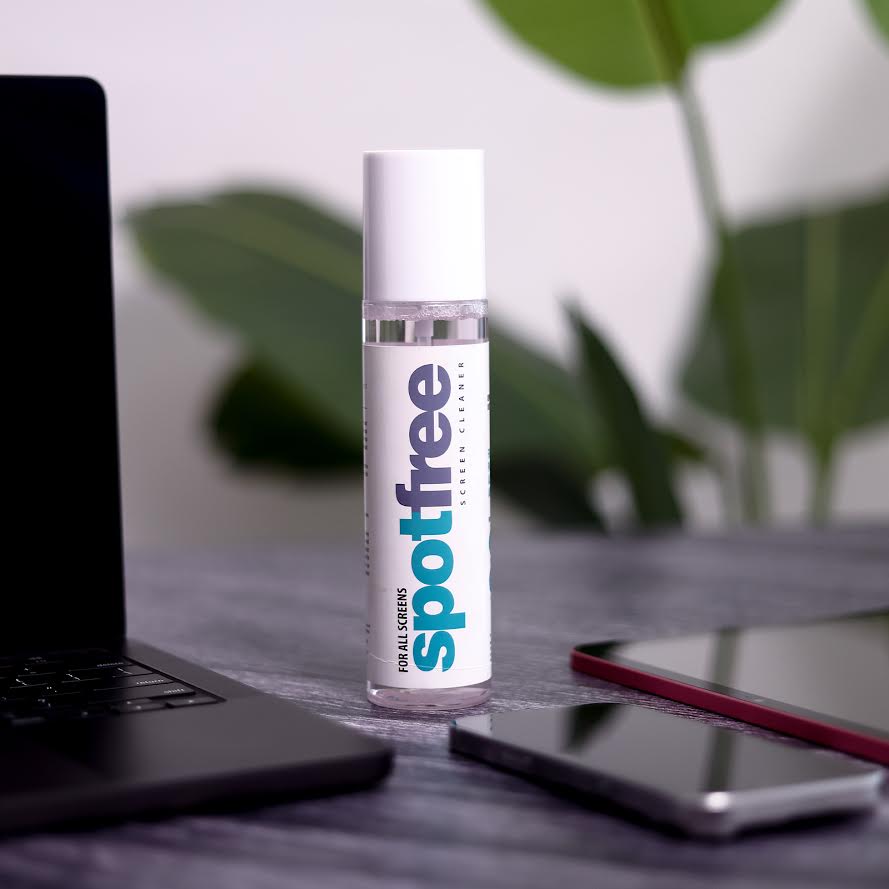
- Effective on MacBook, Windows laptop, and monitor displays alike
- Gentle formula that doesn't compromise touch sensitivity
Compare the Premium Features of the TEKNE SpotFree Formula
| Feature | Details |
|---|---|
| Formula | Alcohol-free, ammonia-free |
| Compatibility | Laptops, monitors, smartphones, tablets, TVs |
| Finish | Streak-free, residue-free |
| Coating Safety | Preserves anti-glare and oleophobic coatings |
| Portability | Compact, travel-friendly design |
Which Features Should You Consider Before Choosing a Laptop Screen Cleaner?
A best laptop screen cleaner should be judged on formula safety as much as cleaning power — a laptop screen cleaning liquid that's too harsh can degrade a screen's coating faster than dust and fingerprints would on their own. Checking for alcohol-free, non-toxic composition matters more than scent or bottle size.
- Formula safety weighed alongside actual cleaning effectiveness
- Non-toxic composition suited to daily, repeated use
- Compact size that travels well for office or on-the-go use
Buying Guide: What Should You Consider Before Buying a Laptop Screen Cleaner Online?
| Buying Factor | What to Check |
|---|---|
| Formula Safety | Confirm alcohol-free and ammonia-free composition |
| Device Compatibility | Check suitability across laptops, monitors, and other displays |
| Finish Quality | Look for a genuinely streak-free result |
Discover Premium Display Care Designed for Everyday Laptop Use
Tekneworld's screen care formula is built to work safely across a full range of electronic displays, not just laptops. For the wider Tekneworld range beyond display care, browse All Collections.
Why Buy the TEKNE SpotFree Laptop Screen Cleaner from Tekneworld?
Choosing Tekneworld for a laptop screen cleaner means investing in a genuinely coating-safe, streak-free formula rather than a generic alcohol-based spray. The TEKNE SpotFree Screen and Surface Cleaner reflects this standard directly.
Explore New Arrivals for the latest additions, or browse Best Sellers for the most popular picks.
Buyers who want to check the product in person can find a nearby outlet through the Store Locator. To explore the design philosophy behind Tekneworld's approach, visit Our Journey.

