


Filters
Filters
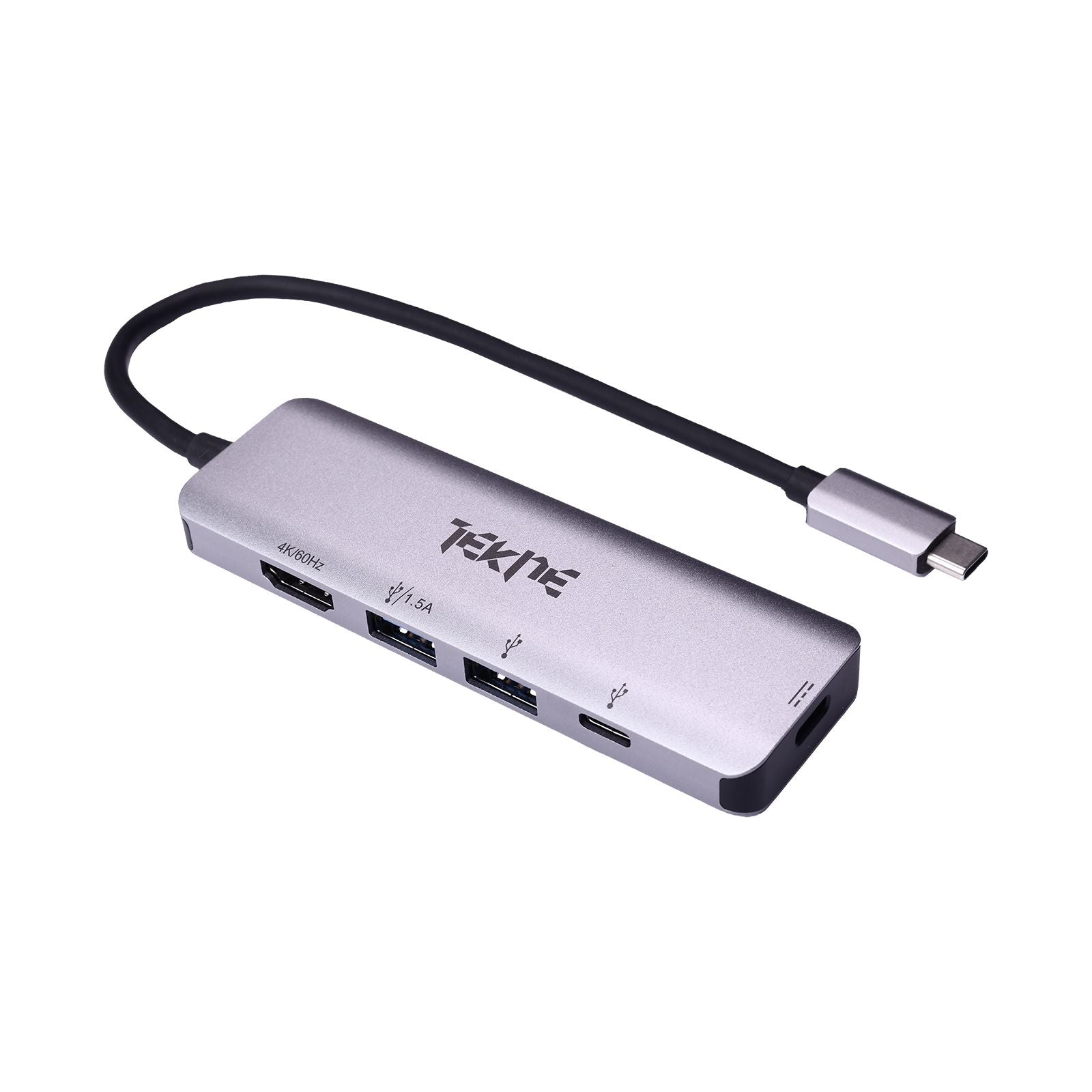
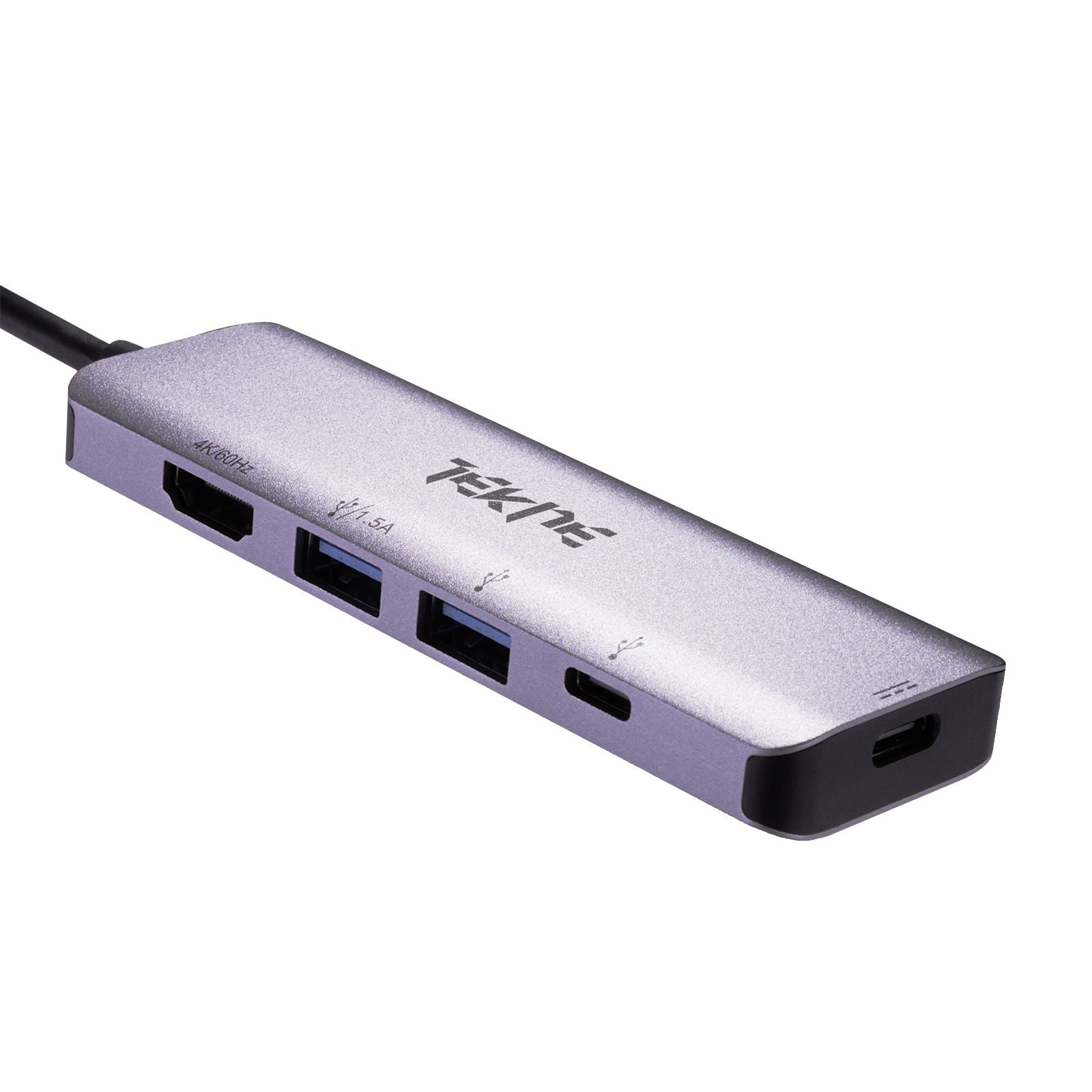
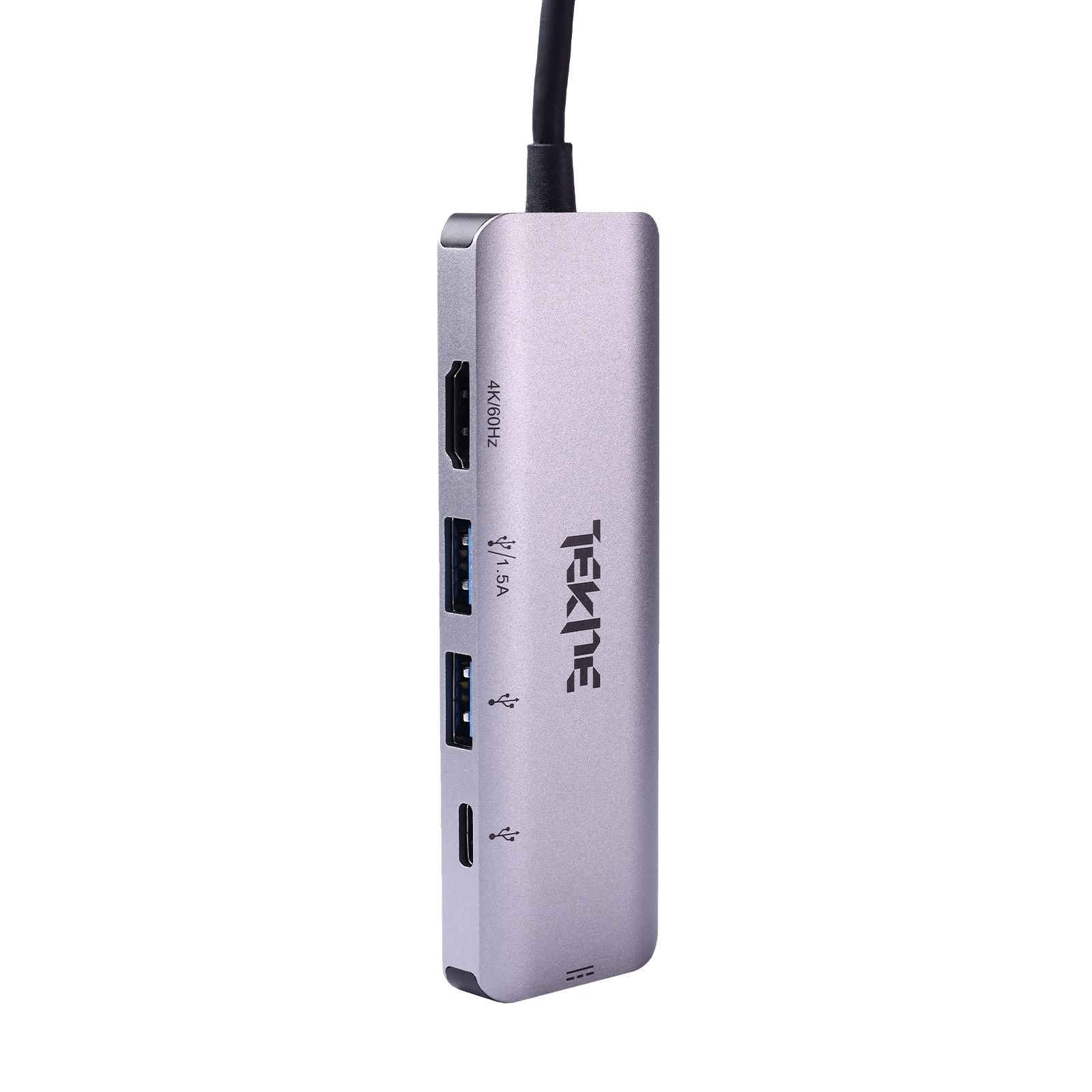
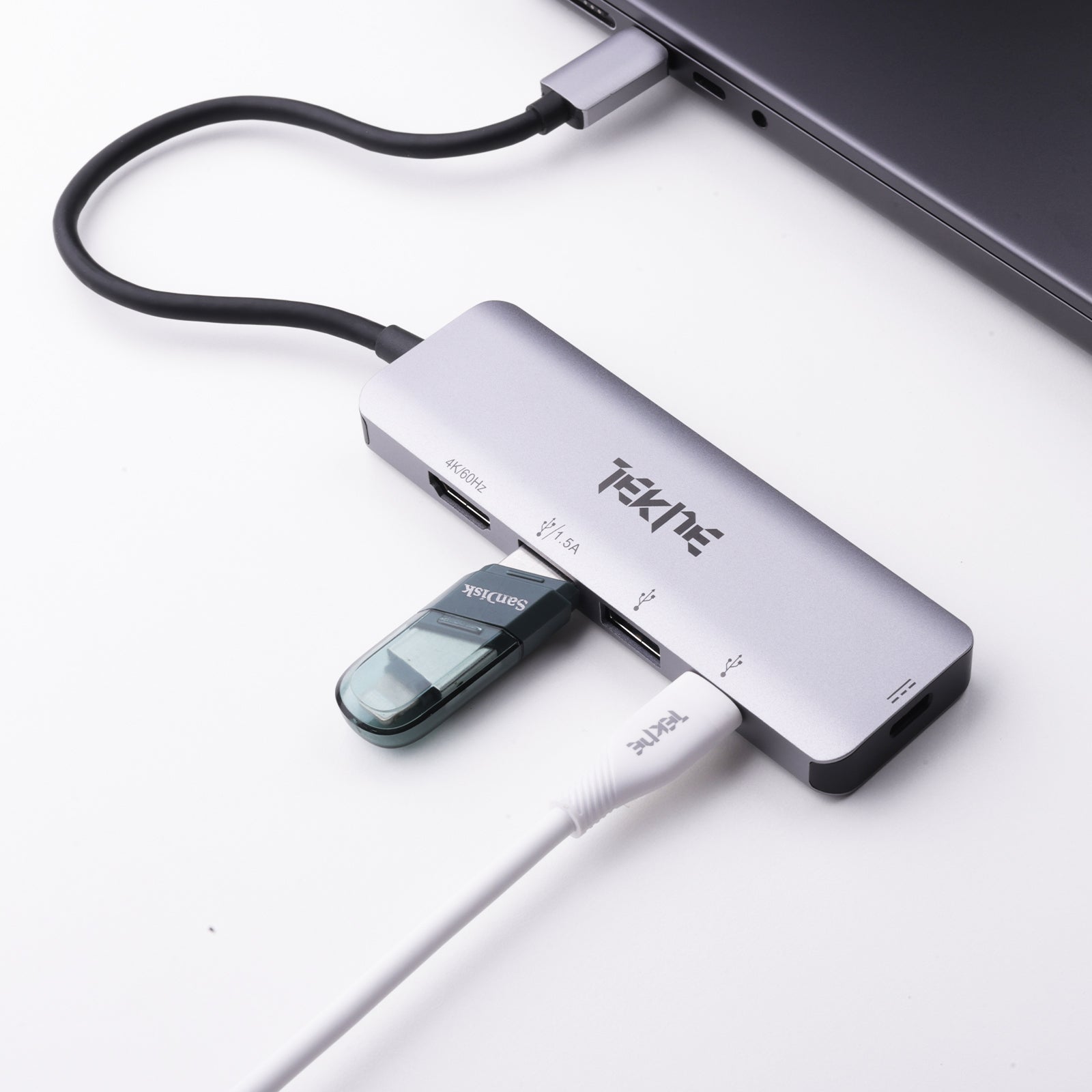
More Details
USB A to C Hub: Simplify Connections with Tekneworld’s Best USB Type C Hub
In a world where newer devices drop traditional USB-A ports, having a USB A to C Hub is essential. Whether you’re connecting legacy accessories to your modern laptop or expanding your device’s connectivity, a USB A to C Hub bridges the gap between old and new tech. At Tekneworld, explore reliable, high-performance solutions from our USB C Hub range—perfect for home, travel, and professional use.
Shop the Best USB A to C Hub at Tekneworld
Universal Device Bridging Tekneworld’s USB A to C Hub offerings make it easy to connect older USB devices with the latest laptops, tablets, and phones.
Extensive USB Hub Lineup Choose from compact and multifunctional hubs, including USB to C Hub, USB to Type C Hub, and Type C Hub USB models for any use case.
High-Quality Performance Whether it’s a HyperDrive USB C Hub or other premium options, Tekneworld ensures performance and durability with every USB C Hub HDMI or USB A to C Hub purchase.
Complete Connectivity From USB-A to USB-C transitions to full Type C Hub versatility, Tekneworld’s hubs are perfect for transferring data, charging, or connecting displays.
Key Features of USB A to C Hub Available at Tekneworld
Multi-Port Expansion Expand a single USB-A connection into Type C Hub, HDMI, USB-C, SD card, or Ethernet connections.
USB C Hub HDMI Output Certain models allow HDMI output when paired with USB C Hub HDMI compatible devices—perfect for dual-screen setups.
Power Delivery Support USB Type C Hub models can deliver charging up to 100W while still offering data and display support.
Fast Transfers Enjoy high-speed transfers with USB 3.0 or USB 3.2 capabilities for large files and media.
Portable Design Whether you’re using a Type C Hub for laptop or on a tablet, Tekneworld’s hubs are lightweight and travel-ready.
Plug-and-Play Convenience Just connect your USB A to C Hub—no software or drivers required.
USB A to C Hub vs Docking Station – What Sets Them Apart?
Compact Portability A USB A to C Hub is ideal for mobile use, unlike larger docking stations meant for fixed setups.
Essential Ports Only With features like USB to C Hub, USB-A, and SD readers, it covers all the basics. Docking stations go beyond with audio in/out and extra display ports.
Display Options Many USB C Hub HDMI models support one or two external displays; docking stations may support more.
Power Pass-Through The best USB C Hub options include power delivery—ideal for phones, tablets, or slim laptops.
Who Should Use What Use a USB A to C Hub for daily flexibility. Go for a docking station for a full desktop experience.
USB A to C Hub Price in India – What Affects Cost?
Port Count More ports, like USB-A, HDMI, and SD card slots, can increase the USB A to C Hub price.
Build Quality Aluminum casings on best USB Type C Hub models offer durability and a sleek finish.
Functionality Added features such as USB to Type C Hub connectivity, Ethernet, and PD charging boost value.
Speed Rating Hubs with USB 3.2 provide better performance than basic USB 2.0 models.
Brand Reputation Investing in trusted names like HyperDrive USB C Hub ensures quality and longer life.
Tekneworld Advantage Tekneworld brings you top-tier hubs for every budget, from student needs to enterprise solutions.
What Is a USB A to C Hub and Why Do You Need One?
Definition USB A to C Hub converts your traditional USB-A port into a flexible USB to C Hub that supports modern devices with Type-C connections.
Essential Use Case Many devices no longer include USB-A. A USB A to C Hub fills that void, connecting legacy accessories.
Simplified Workflows Use one hub to manage display output, charging, and data transfers.
Broad Compatibility Connect MacBooks, Windows laptops, iPads, and Android phones with this all-in-one USB Type C Hub.
Tidy Workspaces Reduce cable clutter by consolidating connections with a single Type C Hub.
USB A to C Hub vs Multiport Adapter – What’s the Difference?
Hub Focus A USB A to C Hub primarily offers data and power through additional USB ports.
Adapter Benefits A multiport adapter acts as a premium USB to Type C Hub, bundling HDMI, Ethernet, USB, and charging into one unit.
Tekneworld’s Hybrid Range Many of our USB A to C Hub models double as multiport adapters, offering all-in-one convenience with clearly labeled specs.
Best USB A to C Hub for Professionals and Power Users
HyperDrive USB C Hub A top-tier USB A to C Hub that integrates USB-A, 4K HDMI, SD reader, and Power Delivery—ideal for creative professionals.
7-in-1 Type C Hub for Laptop Compact yet powerful—perfect for iPad Pro or MacBook users seeking maximum output from minimal gear.
Legacy Device Support A USB A to C Hub lets you use older accessories with new USB C Hub ports.
Work from Anywhere Reliable, durable, and easy to carry, perfect for hybrid work models.
Ethernet-Enabled Options Connect securely via Ethernet when Wi-Fi isn’t enough.
Smart Investment Find the best USB C Hub with exact specs to match your workflow and devices.
Ideal USB A to C Hub Setup for Creators and Editors
Speedy Media Transfers Use a USB A to C Hub to connect SD/microSD for fast photo and video offloads.
Display Accuracy Enjoy crisp visuals via USB C Hub HDMI ports—great for color-critical work.
All-in-One Access With multiple USB-A and USB-C ports, plug in mics, SSDs, and cameras with ease.
Power + Performance Charge while connected using USB to Type C Hub models with Power Delivery.
Reliable Uploads Wired Ethernet ensures stable video uploads and calls—available in select USB Type C Hub options.
Consolidated Creativity One compact Type C Hub supports your entire production setup.
Why Buy Your USB A to C Hub from Tekneworld?
Wide Compatibility All USB A to C Hub models work across Apple, Windows, Android, and Chromebook devices.
Diverse Options Whether you need a basic USB to C Hub or a powerful Type C Hub for laptop, Tekneworld delivers.
Premium Features Look for 100W charging, 4K HDMI, and SD card readers in Tekneworld’s best USB Type C Hub lineup.
Portable to Desktop Ready From sleek travel hubs to heavy-duty workstation hubs, find your match here.
Trusted by Experts Tekneworld stocks industry-favorite models like HyperDrive USB C Hub for uncompromised performance.
Solutions for Everyone Whether you’re a student, editor, engineer, or entrepreneur—Tekneworld has the right USB A to C Hub for you.

