


Filters
Filters
More Details
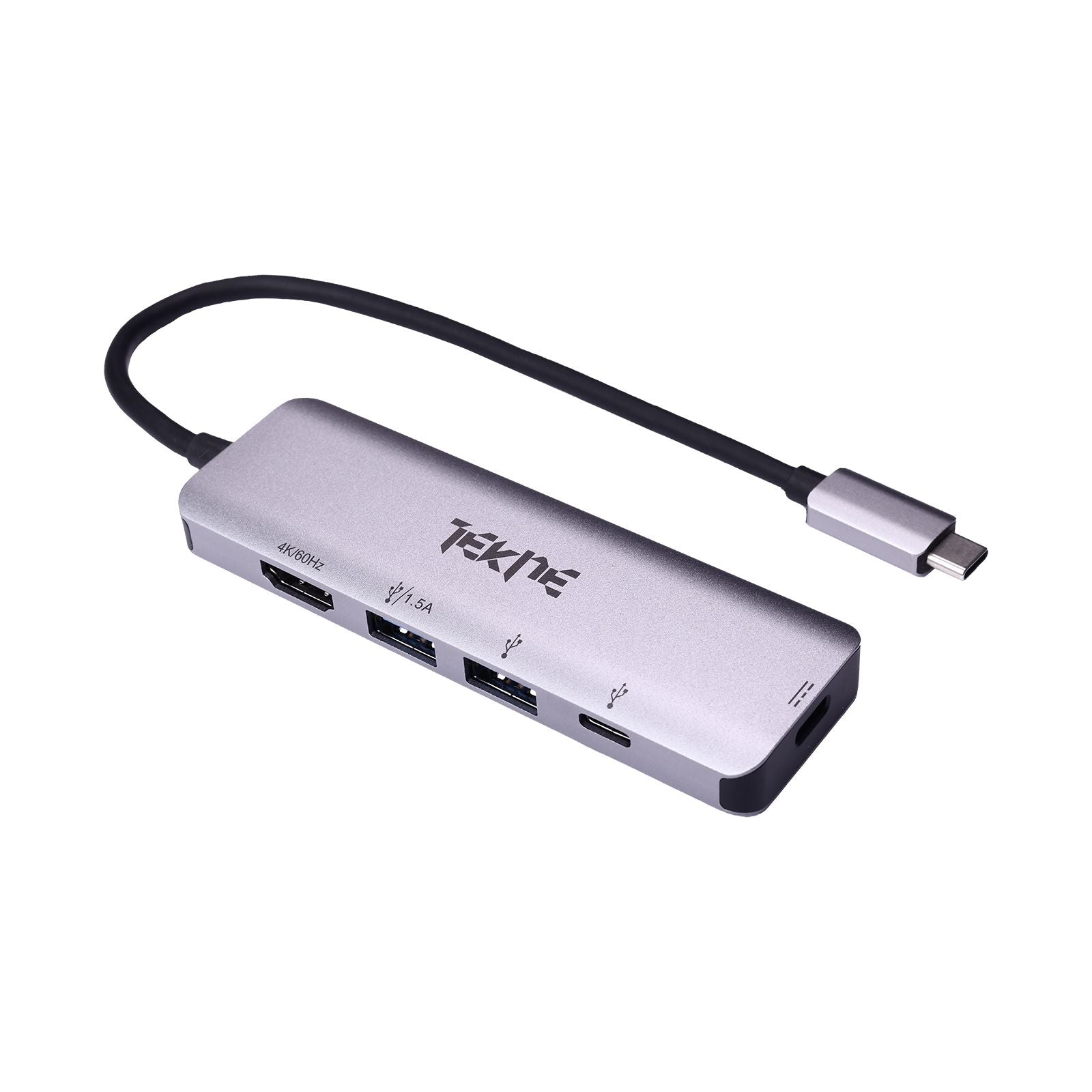
USB to C Hub: Simplify Your Setup with Tekneworld’s Best USB to C Hub
In the age of multi-device usage, the USB to C Hub is an essential tool that bridges older USB-A devices with modern USB-C ports. Whether you're syncing data, connecting peripherals, or displaying visuals via USB C Hub HDMI, a USB to C Hub ensures seamless integration. At Tekneworld, discover the best USB to C Hub models built for speed, reliability, and universal compatibility across devices.
Shop the Best USB to C Hub at Tekneworld
Universal Compatibility Tekneworld provides USB to Type C Hub options that work flawlessly with legacy USB-A devices and modern USB-C ports.
Diverse USB to C Hub Range From minimalist travel models to high-performance USB Type C Hub units with USB C Hub HDMI, we offer hubs tailored to every task.
High-Performance USB to C Hubs Our collection includes leading options like the HyperDrive USB C Hub, known for superior speed, power delivery, and device support.
All-in-One USB to C Hub Solutions Tekneworld’s best USB Type C Hub solutions are crafted to combine data transfer, charging, and display output in a single, compact unit.
Key Features of USB to C Hub Available at Tekneworld
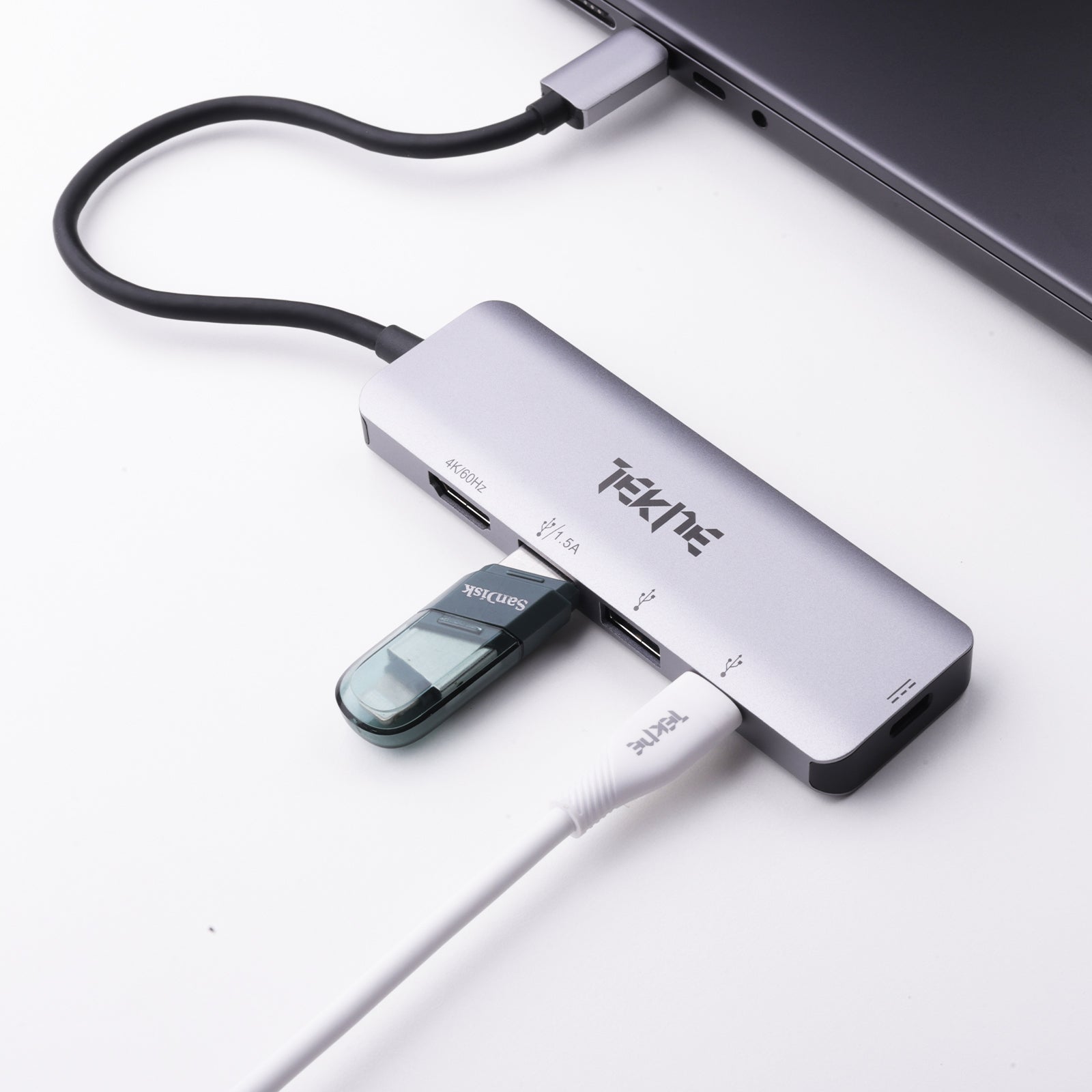
Multiple Port Access Convert one USB-A port into a range of useful ports—Type C Hub USB, HDMI, SD, and Ethernet—all in one setup.
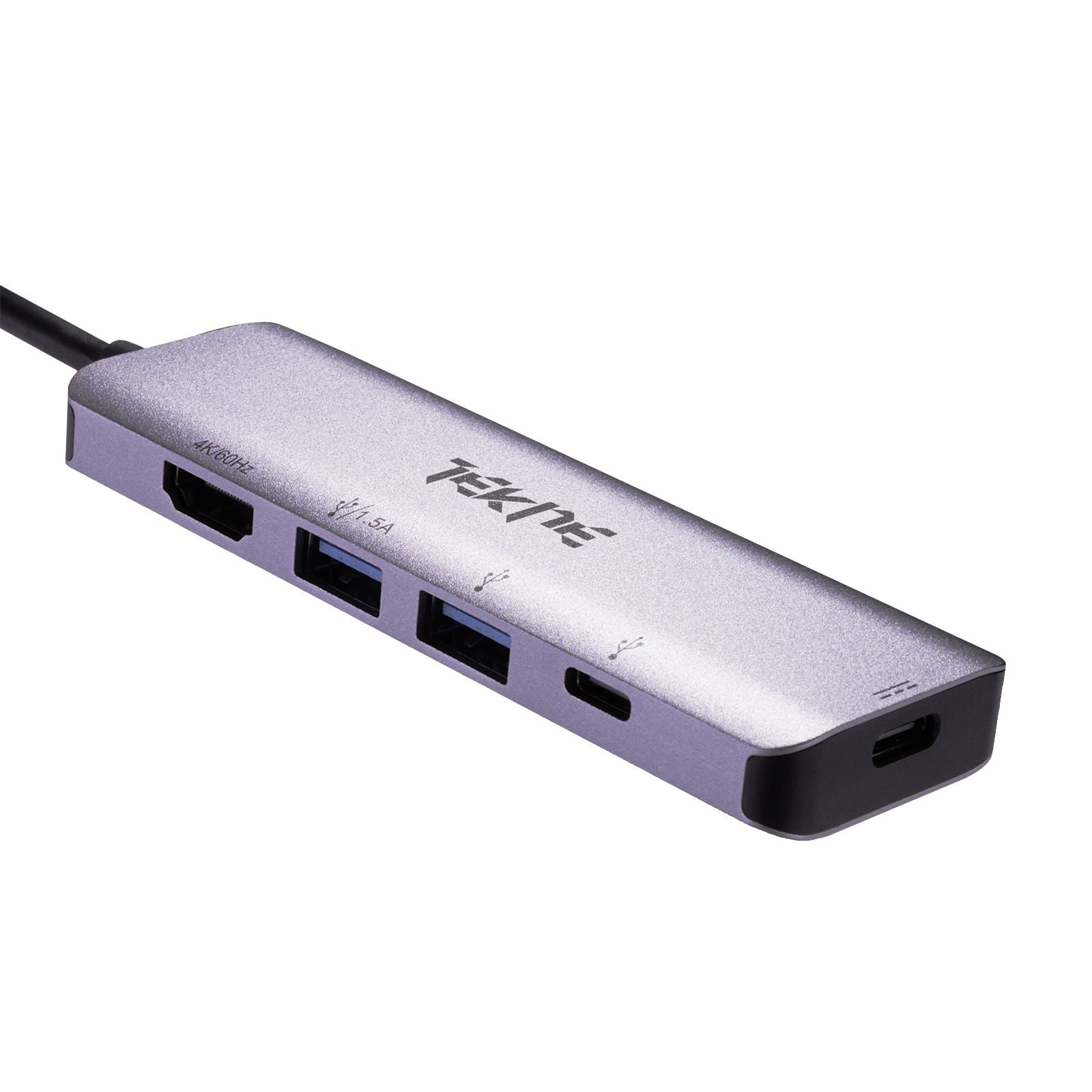
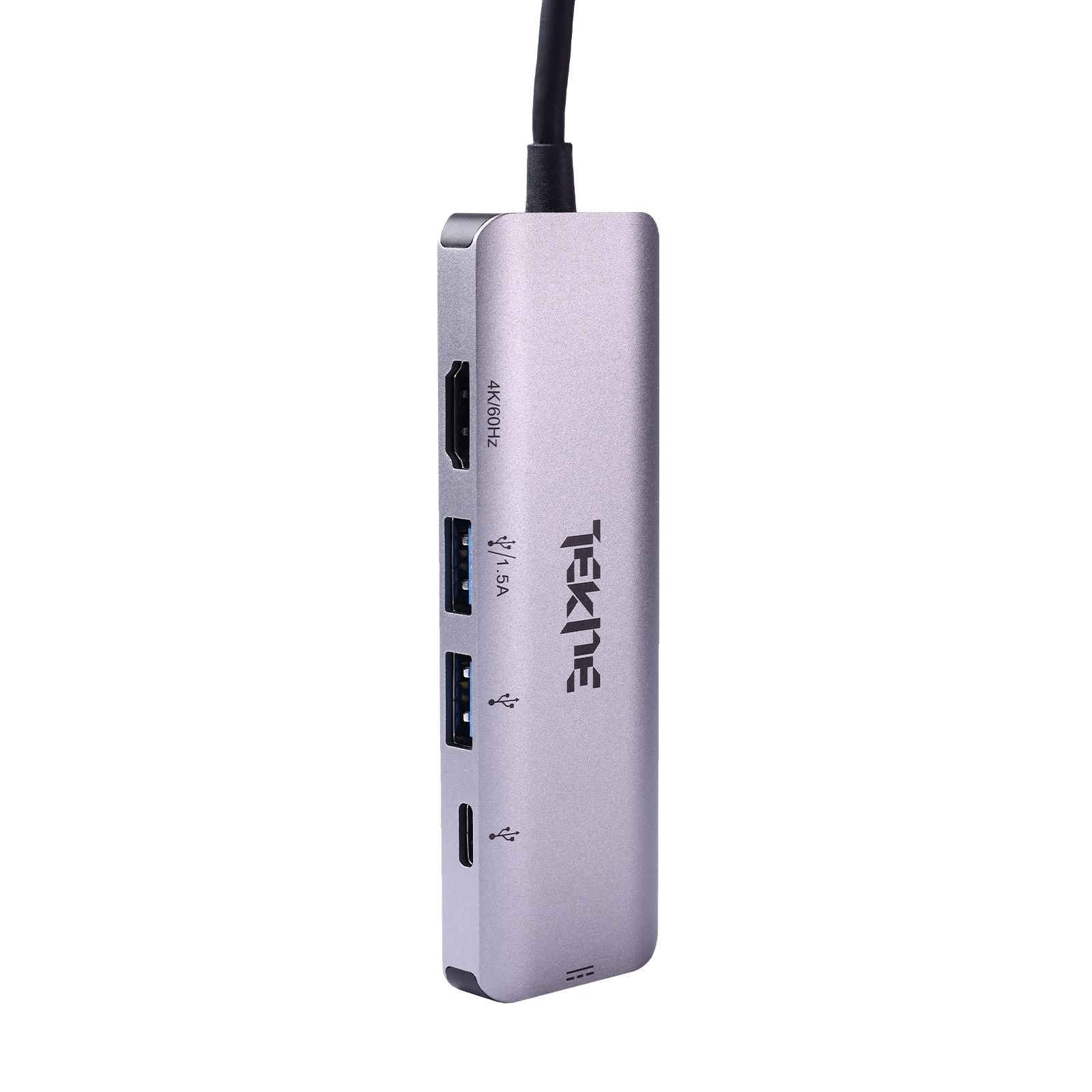
USB C Hub HDMI Output Enable vibrant 4K video output with select USB to C Hub models featuring USB C Hub HDMI for extended or mirrored displays.
Power Delivery Support Charge USB-C-enabled devices at up to 100W with Type C Hub for Laptop setups, while staying connected to other peripherals.
High-Speed Data Transfers Enjoy rapid file access through USB to Type C Hub models supporting USB 3.0 and USB 3.2 transfer speeds.
Portable and Lightweight Tekneworld’s USB to C Hub devices are ideal for professionals needing Type C Hub USB functionality on the go.
Plug-and-Play Simplicity No drivers required. Just plug your USB to C Hub into your USB-A port and get working instantly.
USB to C Hub vs Docking Station – What’s the Difference?
Portability The USB to C Hub is slim, lightweight, and ideal for mobile use. Docking stations are bulkier and more suited to permanent setups.
Functional Coverage The best USB to C Hub includes USB-A, USB-C, and HDMI ports—perfect for daily needs. Docking stations offer additional I/O but cost more.
Display Support A USB to C Hub with USB C Hub HDMI supports one or two displays, while docking stations can support three or more.
Charging Capabilities Advanced USB to C Hub models support Power Delivery up to 100W—similar to many docking stations.
User Focus Choose a USB to C Hub for flexible workflows across locations. Docking stations are best for power users needing a full desktop experience.
USB to C Hub Price in India – What Affects It?
Number of Ports More ports often mean a higher price, but Tekneworld offers the best USB C Hub options at every budget.
Design and Build Sleek, aluminum-built USB Type C Hub models are more durable and thus priced higher.
Feature Set Options like USB C Hub HDMI, Ethernet, and 100W PD enhance value and price.
Transfer Speed Hubs supporting USB 3.2 are faster and slightly more expensive than those using USB 2.0.
Brand Value Top-tier models like the HyperDrive USB C Hub come at a premium but deliver exceptional reliability.
Tekneworld Value Find the best Type C Hub for your needs—whether basic or pro-level—at prices suited to every user.
What Is a USB to C Hub and Why Do You Need One?
What is a USB to C Hub? A USB to C Hub connects traditional USB-A outputs to modern USB-C inputs, allowing you to bridge devices across generations.
Why It's Essential With newer laptops and tablets featuring only USB-C ports, a USB to C Hub is vital to access your existing accessories.
Unified Workflow Use one USB to Type C Hub to charge, sync, and connect external displays and devices effortlessly.
Cross-Platform Compatibility Works seamlessly with MacBooks, Windows PCs, iPads, smartphones, and other Type C Hub for Laptop configurations.
Clutter-Free Setup Minimize cables and maximize productivity using a compact USB to C Hub from Tekneworld.
USB to C Hub vs Multiport Adapter – What Sets Them Apart?
USB to C Hub Functionality Primarily extends USB-A into multiple outputs including USB-C, useful for basic connectivity and peripheral access.
Multiport Adapter Features Acts as a best USB Type C Hub, combining USB, HDMI, Ethernet, SD, and Power Delivery in a single device.
Tekneworld Options Many USB to C Hub models in our catalog are also labeled as multiport adapters, giving you maximum flexibility.
Best USB to C Hub for Creatives and Professionals
HyperDrive USB C Hub A flagship USB to Type C Hub offering 4K HDMI, fast USB 3.0 ports, SD reader, and 100W charging—perfect for advanced users.
7-in-1 USB C Hub HDMI Adapter Tailored for MacBook, Windows, and iPad users needing high-performance USB to C Hub functionality.
Professional USB to USB Type C Hub Supports multiple accessories like external drives, cameras, and MIDI controllers with ease.
Remote Work and Portability Portable USB to C Hub designs are great for working remotely, connecting projectors, or charging on the go.
Ethernet-Enabled Models Maintain a reliable internet connection via a USB Type C Hub with Gigabit Ethernet—ideal for stable Zoom meetings and uploads.
Best USB to C Hub Setup for Creators
Fast Media Transfer Transfer large video and photo files with SD/microSD access in your USB to C Hub.
HDMI for Visual Accuracy Use the USB C Hub HDMI feature to connect to color-accurate 4K monitors during editing sessions.
Multi-Accessory Support Attach multiple peripherals—mics, SSDs, lights—through a single USB to Type C Hub.
Power While You Work Charge your laptop or tablet while using other ports via 100W Power Delivery.
Secure Connectivity Ensure consistent file uploads and backups with USB to C Hub models that include Ethernet ports.
Why Buy Your USB to C Hub from Tekneworld?
Cross-Device Compatibility Our USB to C Hub range supports iPads, smartphones, MacBooks, Windows laptops, and more.
Variety of Configurations From USB C Hub HDMI to SD card readers and USB-A, find the best USB C Hub tailored to your work style.
Packed with Features Choose from simple 3-port hubs to powerful 8-in-1 Type C Hub for Laptop options with Ethernet and fast charging.
Travel and Office-Ready Whether on the move or at your desk, our USB to C Hub lineup includes models that fit your routine.
Trusted Quality Explore top-tier options like the HyperDrive USB C Hub, known for unmatched build and functionality.
Tailored for Every User From casual browsing to creative workflows, Tekneworld has the best USB Type C Hub for every tech need.

