


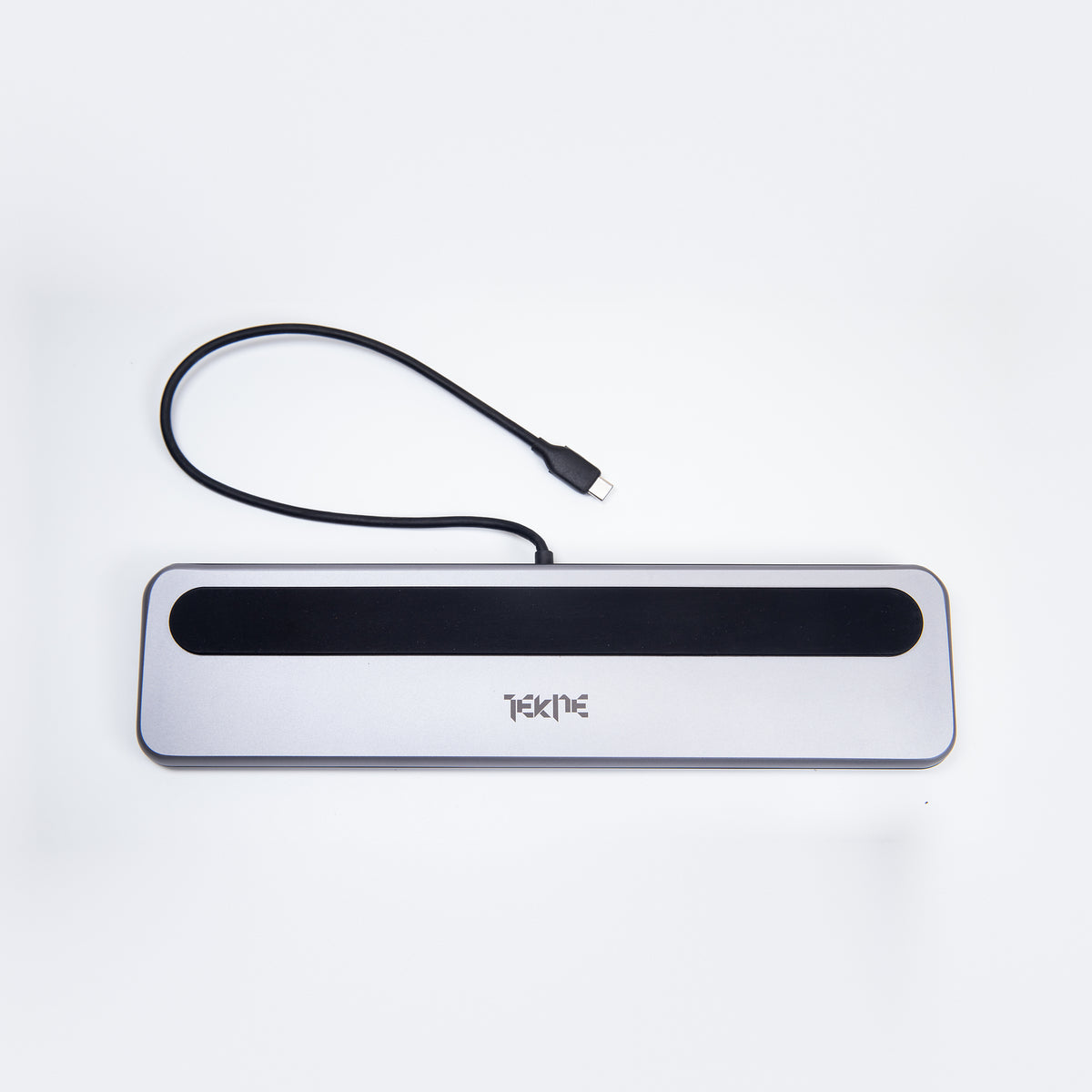
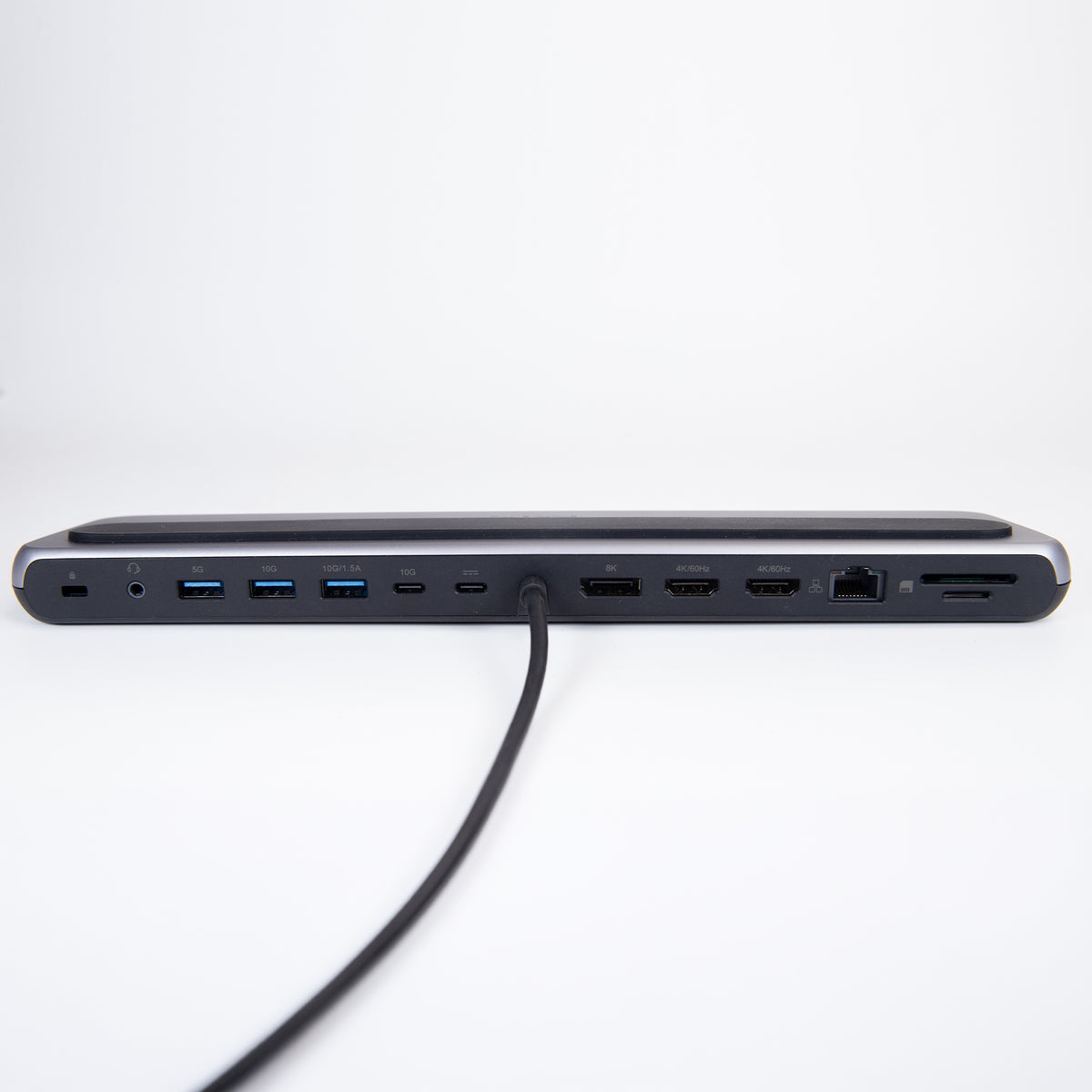
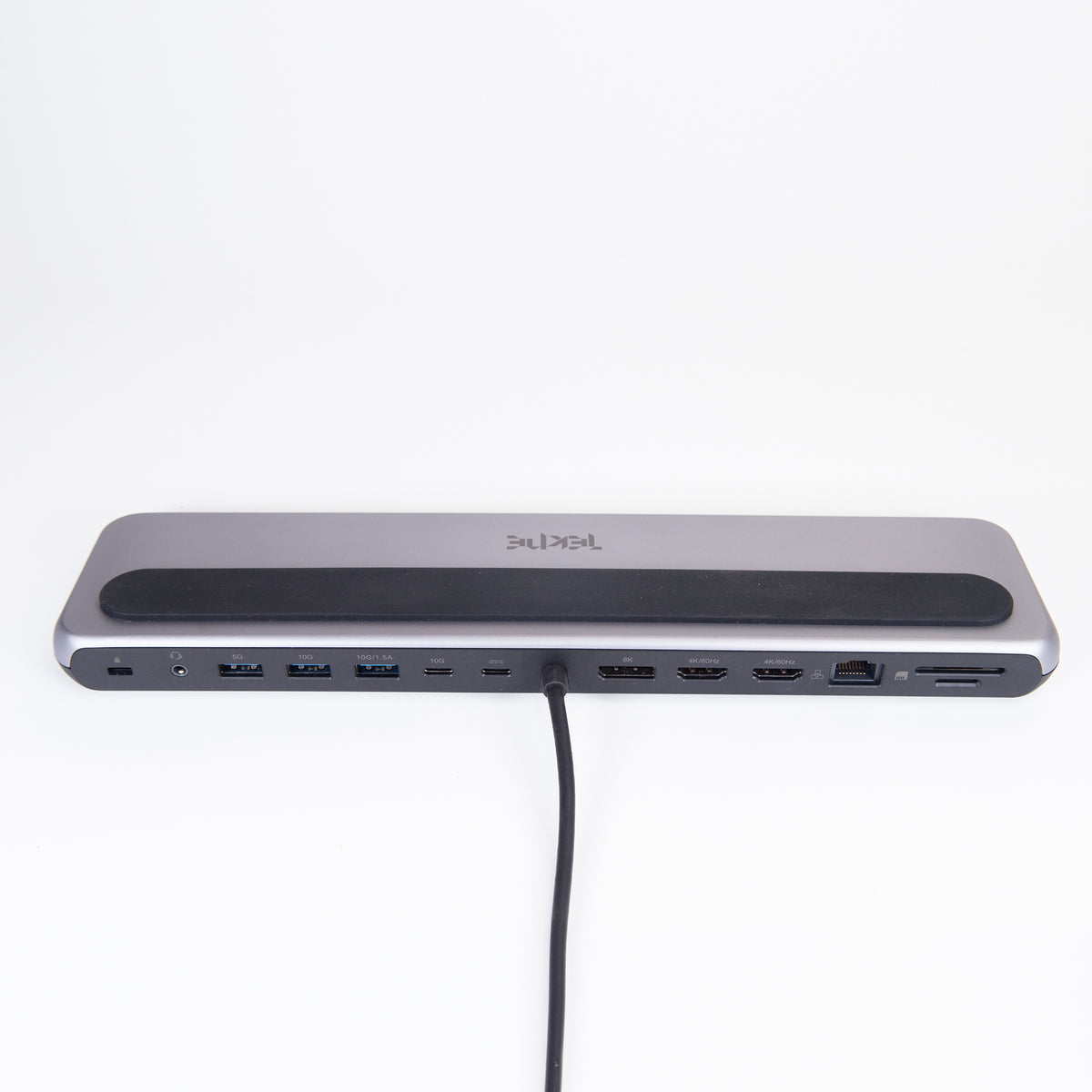
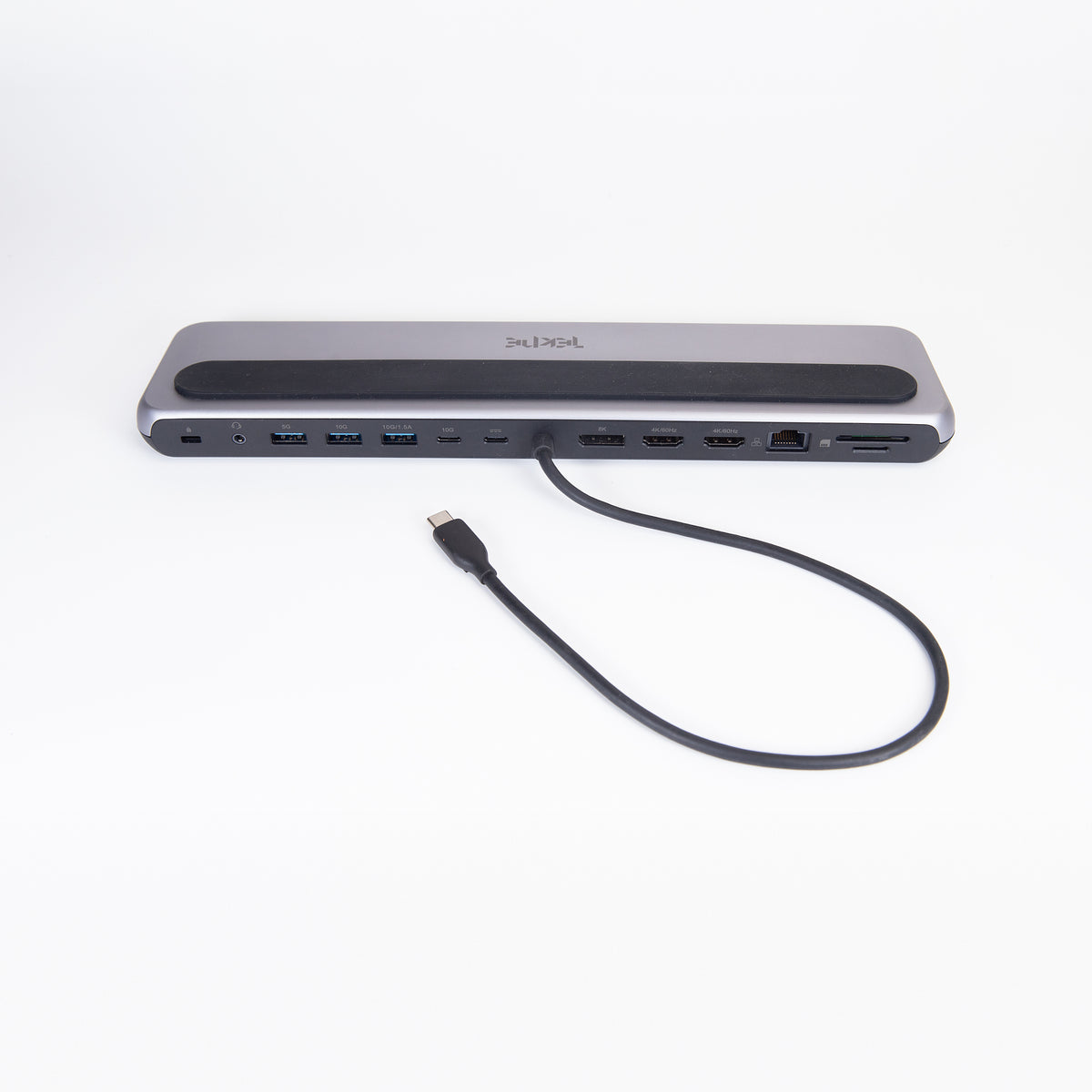
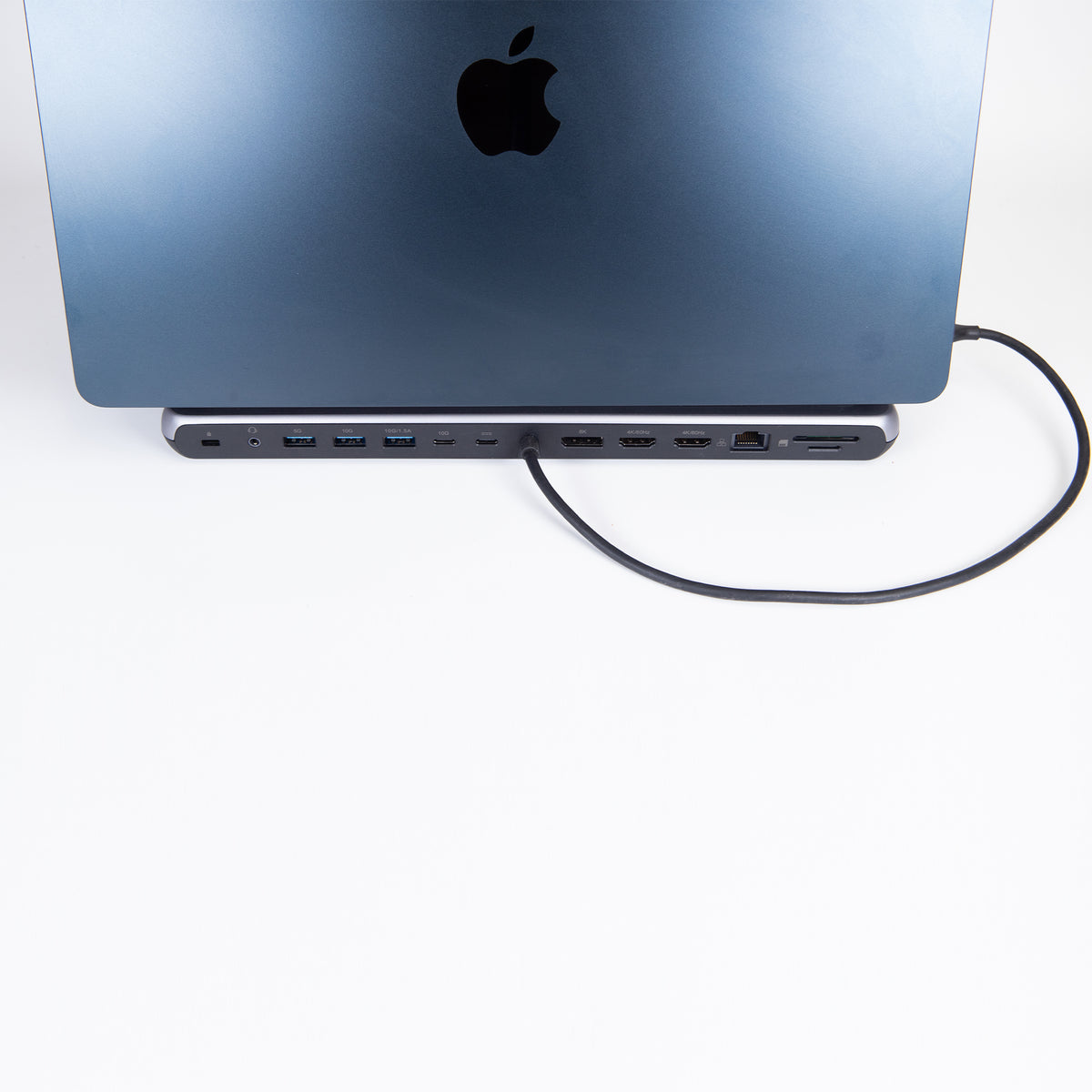
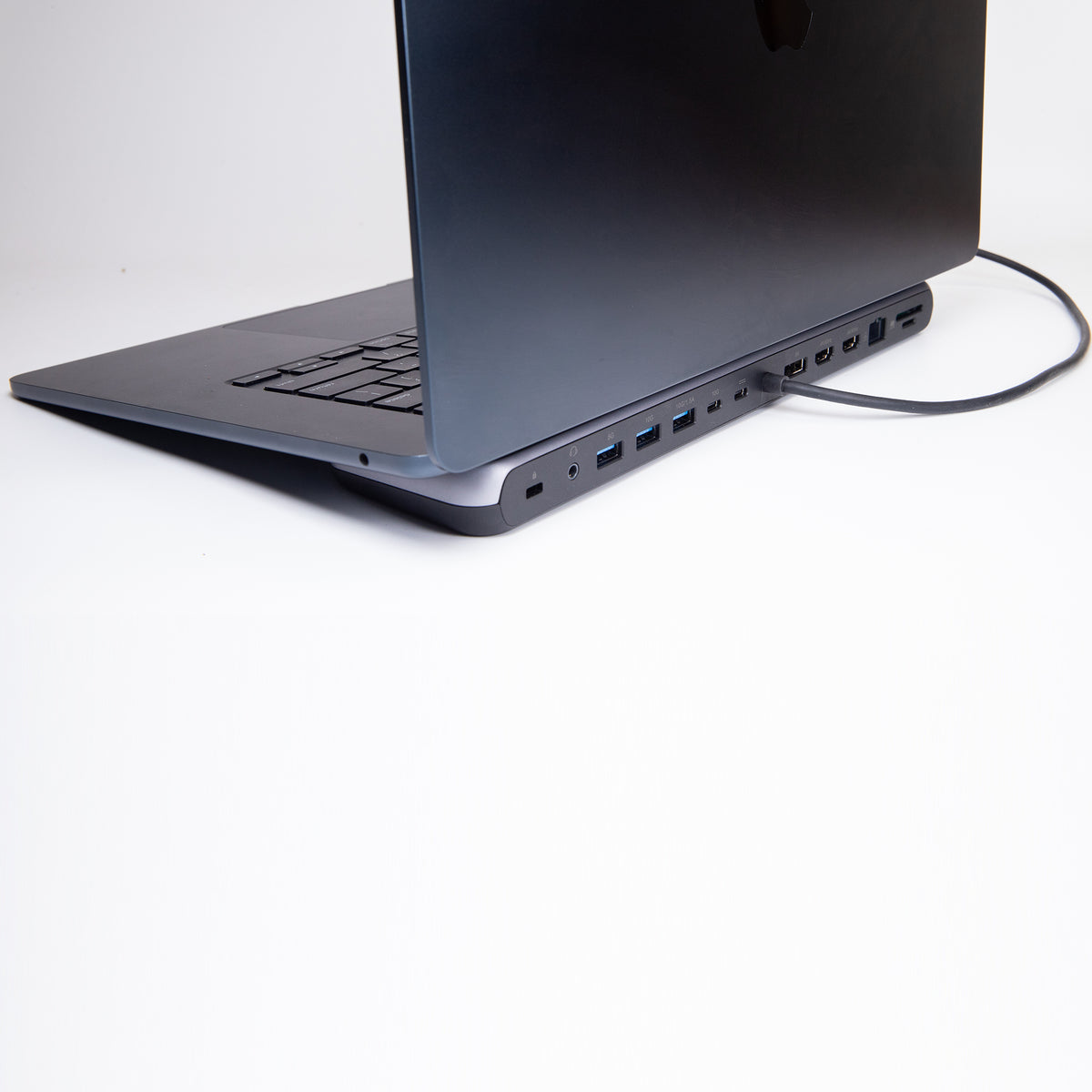
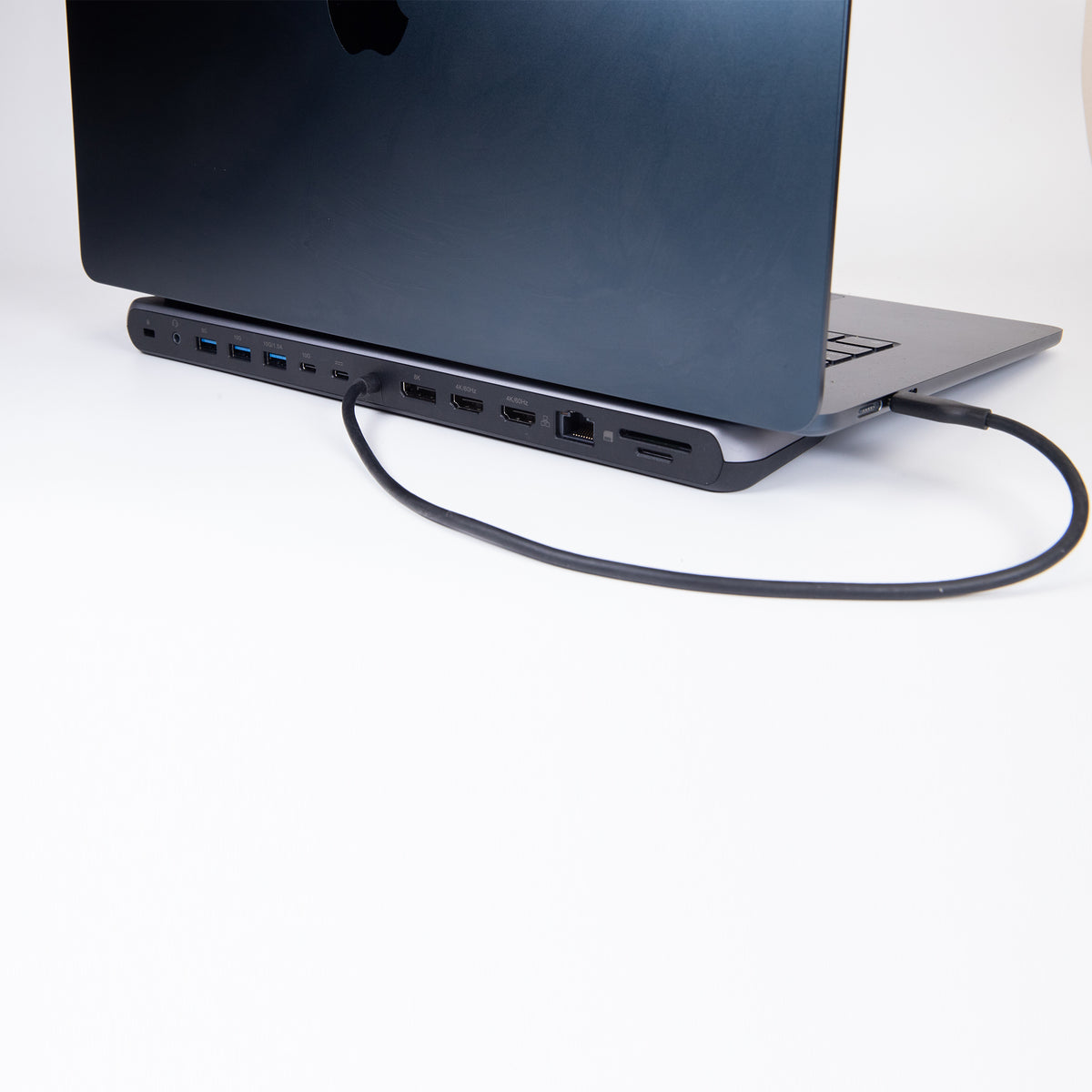
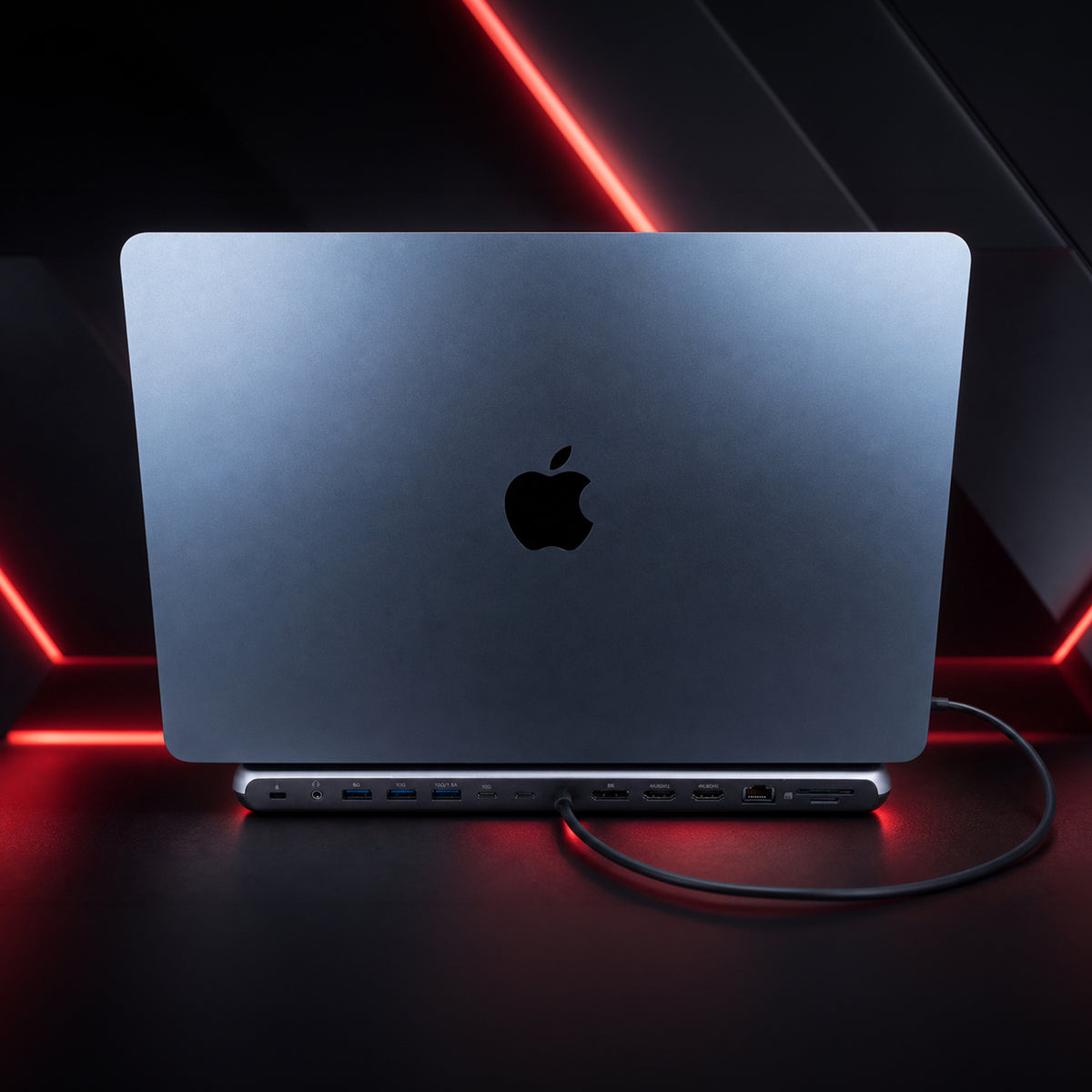
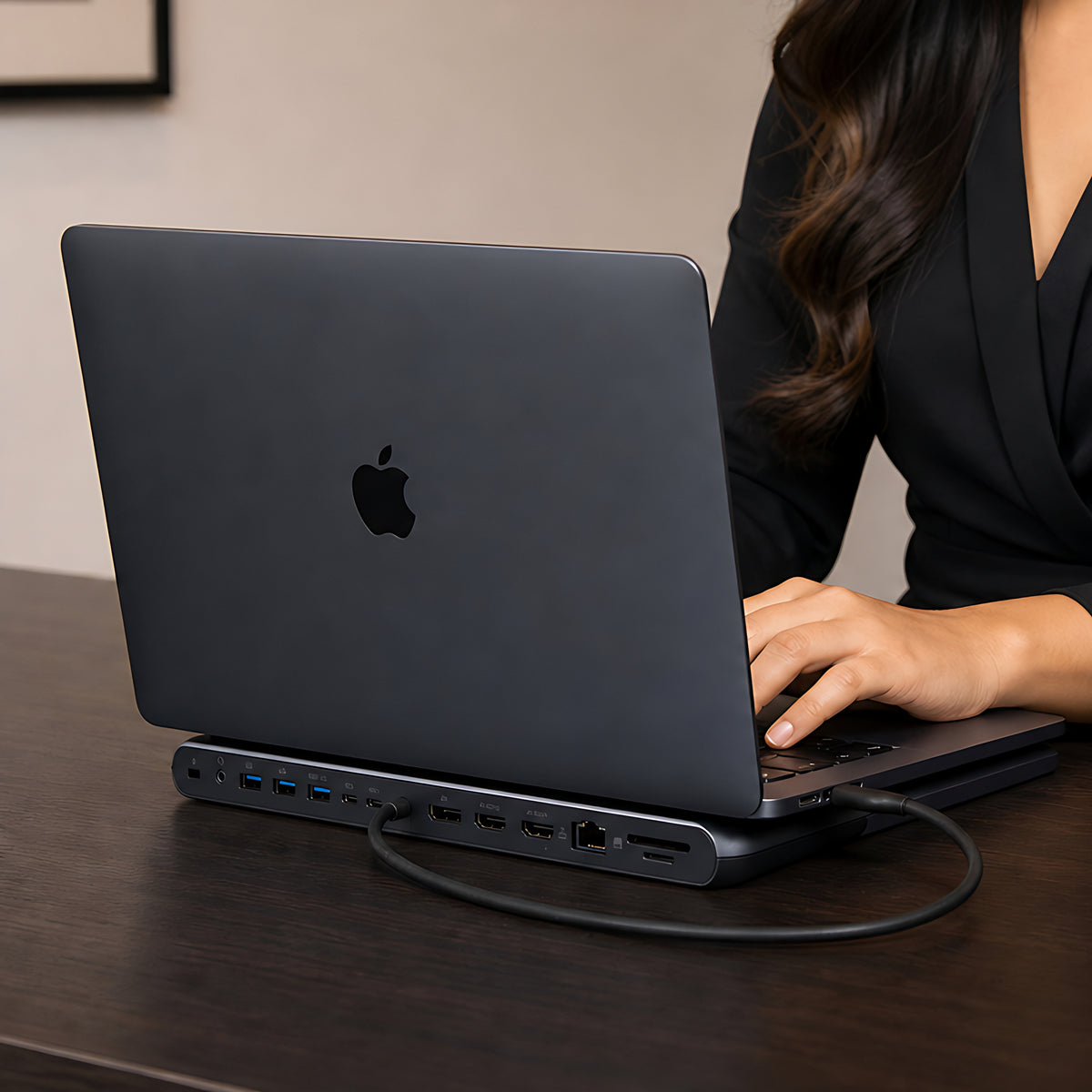
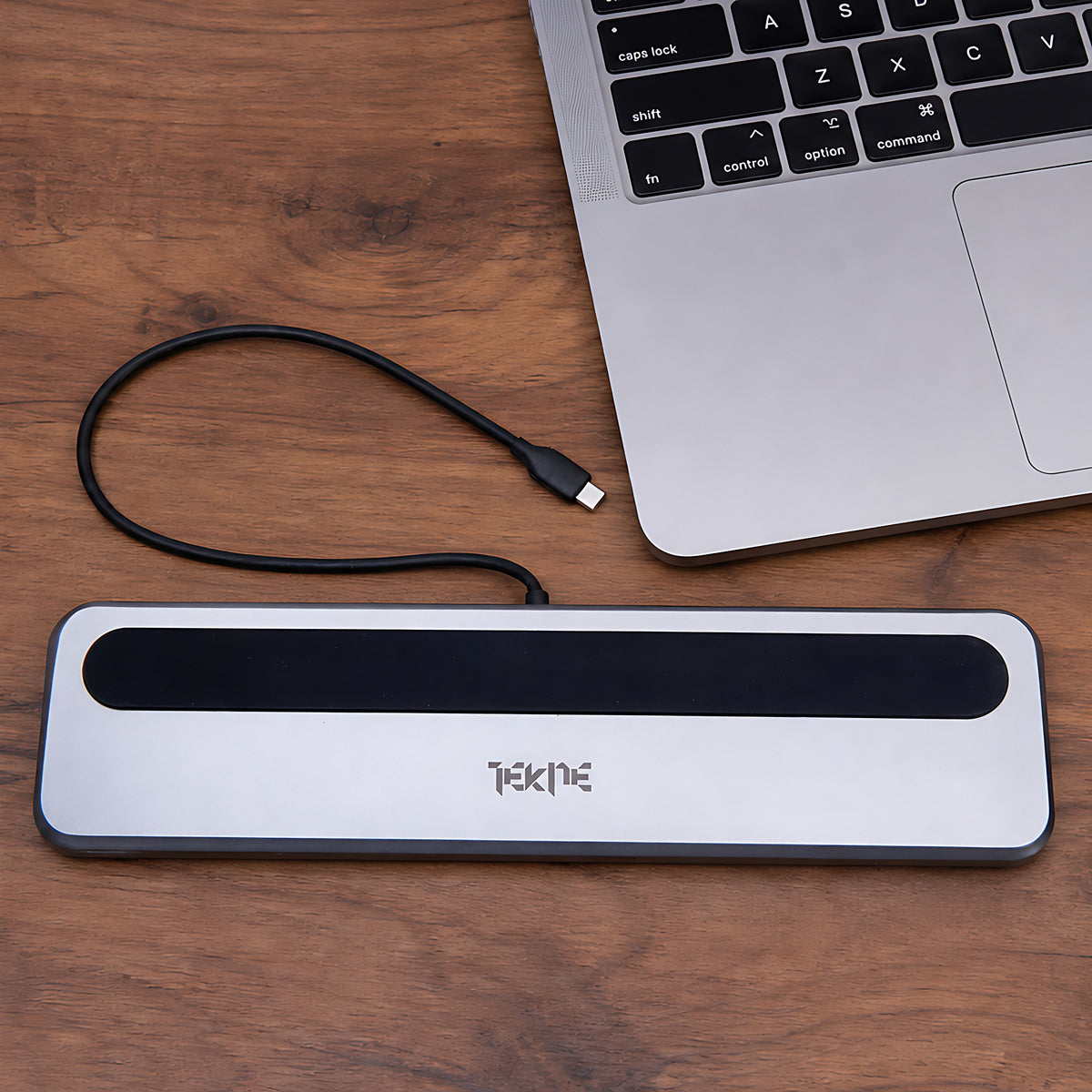
TEKNE Advanced 12-in-1 Hub
THB25-0001

Use SAVE10TEKNE coupon to get 10% OFF on your purchase.
Pairs well with
Shiping Details
More Details
TEKNE Advanced 12-in-1 USB-C Hub
Expand your laptop setup with the TEKNE Advanced 12-in-1 Hub, designed for users who need more connectivity from a single USB-C device. A multiport hub makes it easier to build an organised desk, work from different locations, and connect the accessories you use through the day without relying on several separate adapters.
Whether you want a USB-C hub for a MacBook, a USB-C hub for a laptop, or a more versatile multiport solution, the Advanced 12-in-1 Hub gives you more flexibility from one accessory.
What Is the TEKNE Advanced 12-in-1 Hub?
The TEKNE Advanced 12-in-1 Hub is a USB-C multiport accessory that expands the connectivity available from a compatible device. It is useful when the limited number of connections on a modern laptop does not match the number of accessories you use — giving you one centralised way to organise your setup instead of several individual adapters.
This is especially useful for:
- Home and office workstations
- Hybrid working
- Study setups
- Creative work
- Travel
- Shared desks
- Users with multiple laptop accessories
Why Use a USB-C Hub with a Laptop?
Many modern laptops stay slim by reducing built-in connections, which becomes inconvenient when you regularly use additional accessories. A USB-C hub creates a more practical setup by adding connectivity through one central accessory.
This helps when you:
- Work with several accessories
- Regularly connect and disconnect your laptop
- Move between home and office
- Want a cleaner desk setup
- Prefer carrying one hub instead of several adapters
- Need more flexibility from your USB-C connection
For more options, explore the wider range of USB-C hubs.
Why Consider a USB-C Hub for MacBook?
MacBook users often choose a USB-C hub to expand their everyday setup without adding separate adapters — useful for desk-based work, hybrid work, study, presentations, creative workflows, travel, and connecting frequently used accessories. The right hub depends on the connections your MacBook supports and the accessories you intend to use, so match your laptop’s capabilities to your actual requirements before choosing.
What Does 12-in-1 Mean for Everyday Use?
The main benefit of a 12-in-1 format is having broader connectivity from one device, which can mean fewer adapters to organise, a cleaner setup, easier movement between locations, and more flexibility as your accessory needs change. The value of a 12-in-1 design is greatest for users who regularly need several types of connections rather than just one additional port.
Who Is the TEKNE Advanced 12-in-1 Hub Best For?
The Advanced Hub can be a useful choice for several types of users.
Professionals
If you regularly work from a laptop with several accessories around your desk, a multiport hub helps keep your setup organised.
Hybrid Workers
A central hub makes it easier to disconnect your laptop when leaving your desk and reconnect when you return.
Students
Students using a laptop for study, presentations and everyday accessories benefit from additional connectivity in one place.
Creative Users
Users working across multiple accessories may prefer a larger multiport hub rather than managing several separate adapters.
Travellers
If your work requires several connections away from home, one multiport hub is easier to organise than multiple individual adapters.
Do You Need a 12-in-1 Hub?
Not everyone needs the same number of connections. The TEKNE Advanced 12-in-1 Hub makes the most sense if your setup involves multiple accessories or your connectivity needs change regularly. Consider a larger multiport hub if:
- You frequently run out of available laptop ports
- You currently carry several separate adapters
- Your desk uses several connected accessories
- You regularly move between workstations
- You want one central connectivity accessory
- You expect your setup to expand over time
If your needs are much simpler, a smaller USB-C hub may be enough.
Advanced 12-in-1 Hub or a Simpler USB-C Hub?
Choose the right hub based on your actual routine rather than simply picking the option with the most connections.
| Your Setup | What to Consider |
|---|---|
| You use several accessories regularly | A larger multiport hub can provide more flexibility |
| You frequently move between workstations | A single central hub can simplify reconnecting |
| You only need a few additional connections | A simpler hub may be sufficient |
| Your accessory needs change often | A broader hub gives you more room to adapt |
| You want the smallest possible travel setup | Consider whether you genuinely need all 12 connections |
| You are building a larger desk setup | A 12-in-1 hub may be the more practical choice |
If your requirements are more basic, consider the Essential USB-C Hub as another option.
How Does the Hub Fit Desk, Hybrid and Travel Use?
A USB-C multiport hub reduces clutter by giving connected accessories a central place in your workstation, so you organise the setup around one hub instead of adapters spread across your desk. It is especially convenient if you regularly move your laptop between locations: keep your accessories organised around the hub at your desk, then disconnect a single cable when you leave rather than removing several adapters individually.
This makes a larger hub relevant for work-from-home setups, office hot desks, shared workspaces, college, client meetings, and business travel. For travel specifically, a larger hub helps when you regularly need several connectivity options away from your main desk; if you only use one or two accessories on the move, a smaller hub may be more convenient.
What Should You Consider Before Buying a USB-C Hub?
Before you buy a USB-C hub, think about your complete setup.
Your Laptop
Confirm that your computer uses a compatible USB-C connection.
The Accessories You Use
List the accessories you regularly connect, rather than choosing a hub based only on the number of ports.
Your Work Routine
A desk-based professional may need something different from a user who mainly travels with a laptop.
Port Requirements
Think about the connections required by your existing accessories and future setup.
Space
Consider whether the hub will mainly stay on your desk or travel with you.
Your Existing Cables
Your overall setup also depends on the cables and adapters used with your laptop and accessories.
Matching the hub to your real workflow is more useful than simply choosing the largest option available.
What Should You Check Before Ordering the TEKNE Advanced 12-in-1 Hub?
Before purchasing:
- Confirm USB-C compatibility: Make sure your laptop or device uses a suitable USB-C connection.
- List your required connections: Identify the accessories you need to connect.
- Consider your workspace: Decide whether the hub will stay on a desk or travel with you.
- Think about your current adapters: A larger hub makes more sense if you currently carry several.
- Consider future needs: Think about whether your setup is likely to expand.
- Check your cables: Make sure the cables used with your accessories suit your intended setup.
- Choose based on use: A 12-in-1 hub is most valuable when you genuinely need broader connectivity.
What Other Connectivity Accessories May Be Useful?
A hub is only one part of a connected workstation. Depending on your setup, you may also need cables or adapters for the devices you use. Browse cables, hubs and adapters to compare options.
If your setup uses HDMI, explore the 4K HDMI cable. For high-power and USB4 setups, the 240W USB4 braided cable is another option from TEKNE. Choose accessories according to the specifications and compatibility of the devices in your own setup.
What Are the Main Benefits of Choosing a 12-in-1 Hub?
The biggest benefit is not simply having more connections — it is a setup that is easier to organise and adapt.
| Benefit | Why It Matters |
|---|---|
| Broader connectivity | Gives you more flexibility as your setup changes |
| One central accessory | Can replace the need to organise several separate adapters |
| Better desk organisation | Helps keep connected accessories together |
| Easier hybrid working | Simplifies moving a laptop between work locations |
| More adaptable setup | Useful when different tasks require different accessories |
| Travel convenience | Can reduce the number of individual adapters you carry |
Why Buy from TEKNE World?
Buying the TEKNE Advanced 12-in-1 Hub directly from TEKNE World gives you the product along with TEKNE’s after-purchase support. The live product page currently confirms:
- 24-month warranty
- Free shipping
- In-stock availability
- Secure online ordering
- Customer support
- Access to other TEKNE connectivity accessories
Explore more products through TEKNE World.
How Do You Set Up a USB-C Hub?
A basic USB-C hub setup is straightforward:
- Place your laptop on a stable working surface.
- Connect the hub to a compatible USB-C connection.
- Connect only the accessories required for your setup.
- Make sure each connector is inserted securely.
- Allow your laptop to recognise connected accessories.
- Check each device individually after connecting it.
The behaviour of individual accessories depends on the laptop, operating system, cable and connected device.
What Should You Do If a Connected Accessory Is Not Recognised?
If an accessory does not appear:
- Disconnect and reconnect it.
- Make sure the hub is securely connected to the laptop.
- Check the accessory’s cable.
- Confirm that the accessory itself is functioning correctly.
- Try reconnecting the hub.
- Restart the laptop if necessary.
- Confirm that your laptop supports the connection the accessory requires.
Testing one accessory at a time can make troubleshooting easier.
What If the Hub Is Not Detected?
Start with the basic connection:
- Disconnect the hub.
- Reconnect it securely.
- Confirm that the laptop’s USB-C connection is working.
- Restart the computer if needed.
- Disconnect other accessories temporarily.
- Reconnect devices one by one.
If the problem continues, TEKNE customer support can help with product-related questions.
How Do You Care for a USB-C Hub?
To help maintain the hub:
- Keep the ports free from dust.
- Keep liquids away from the device.
- Insert and remove connectors gently.
- Avoid pulling on connected cables.
- Do not force connectors into ports.
- Keep the hub in a protected compartment during travel.
- Disconnect damaged cables or accessories.
- Store it in a clean, dry environment when not in use.
How Should You Organise Cables Around the Hub?
A simple cable arrangement makes a multiport workstation easier to use. Try to:
- Keep frequently used connections easy to reach.
- Avoid tightly bending cables near connectors.
- Separate cables that are not currently required.
- Avoid placing unnecessary tension on the hub.
- Disconnect unused accessories when reorganising the desk.
What If You Need Help After Purchase?
TEKNE World provides support for product and order-related queries, including product questions, order queries, compatibility questions, warranty support, and general product assistance. The current product page includes a 24-month warranty and free shipping.
TEKNE Advanced 12-in-1 Hub
If you have any questions, you are always welcome to contact us. We'll get back to you as soon as possible, within 24 hours on weekdays.
-
Shipping Information
Ships in 2 working days
Delivery in 3–7 business days -
Customer Support
We're here to help via phone, chat, or email.
Available from Monday to Sunday, 10 AM– 7 PM GMT. -
FAQ’s
Visit our FAQs page to find answers to common questions.
-
Contact Us
We'd love to hear from you. Have a question? We're here to help.
Visit our Contact us Page to reach out.

