


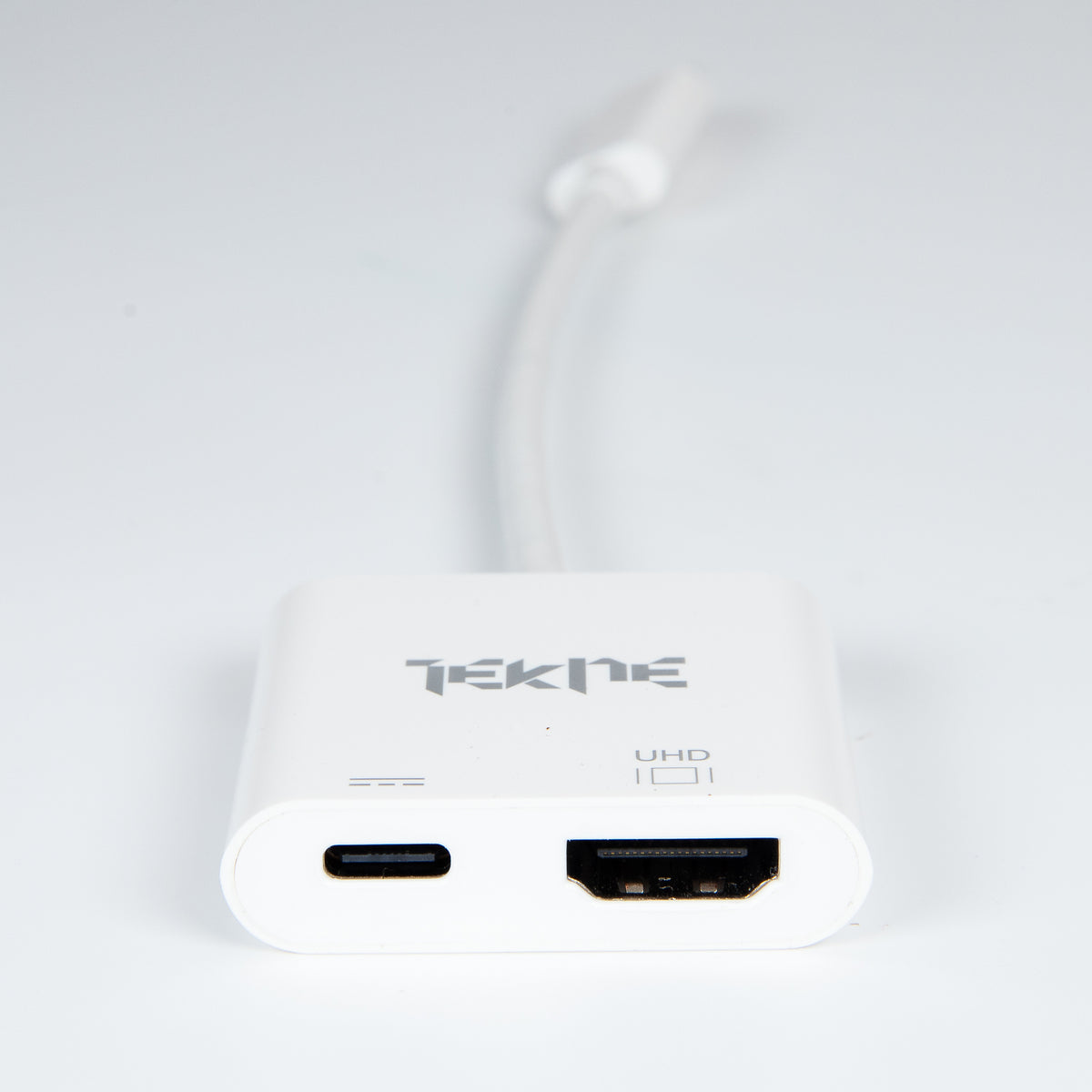
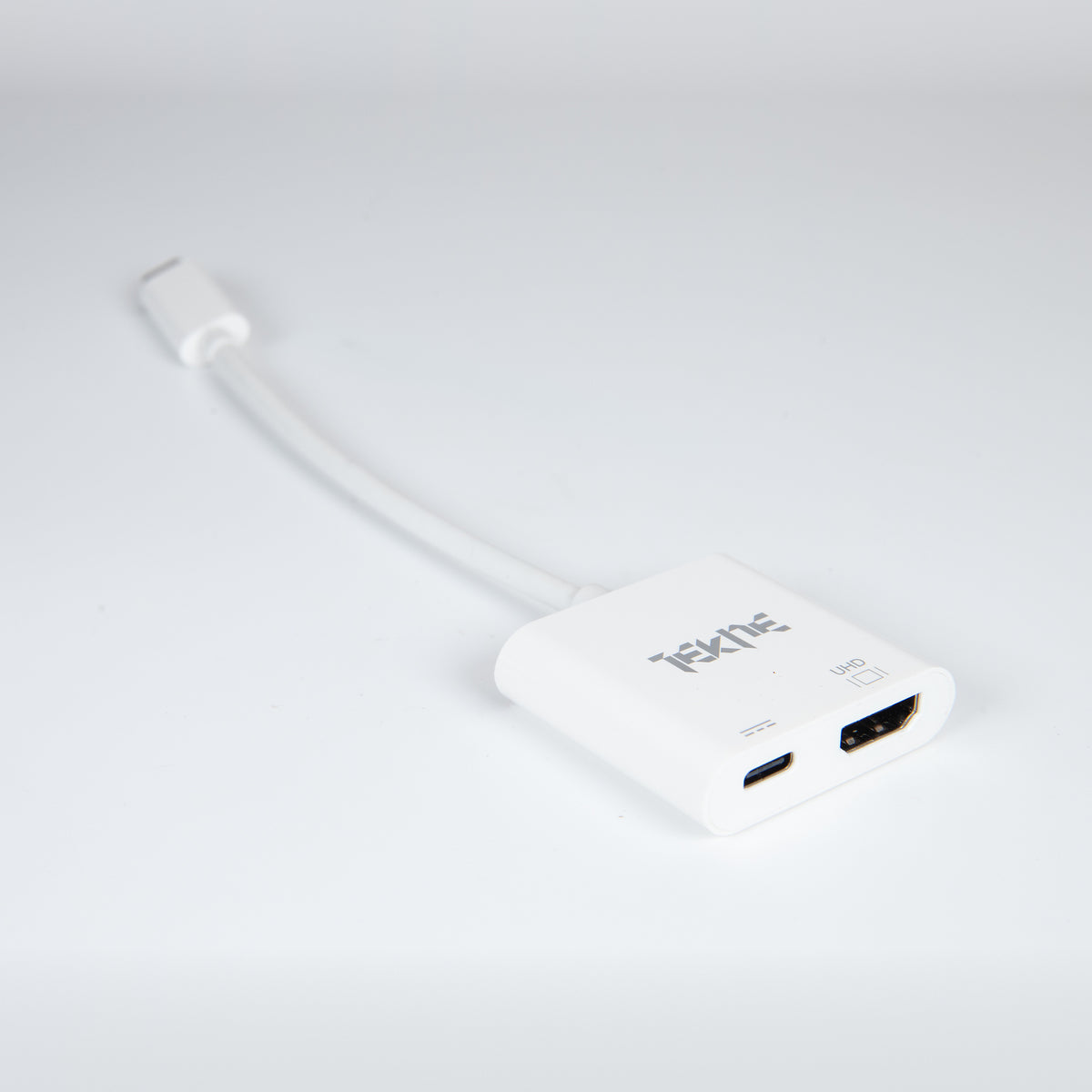
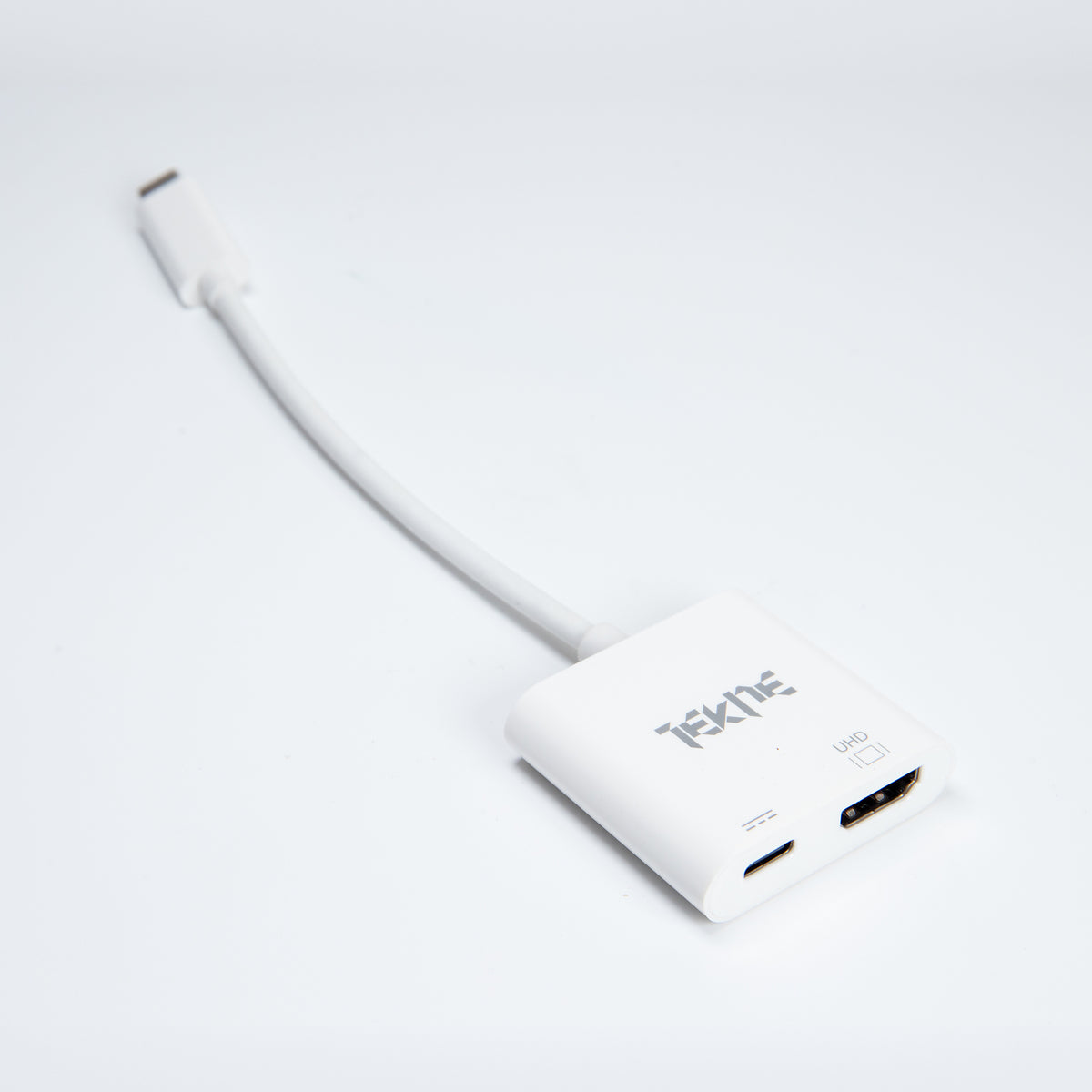
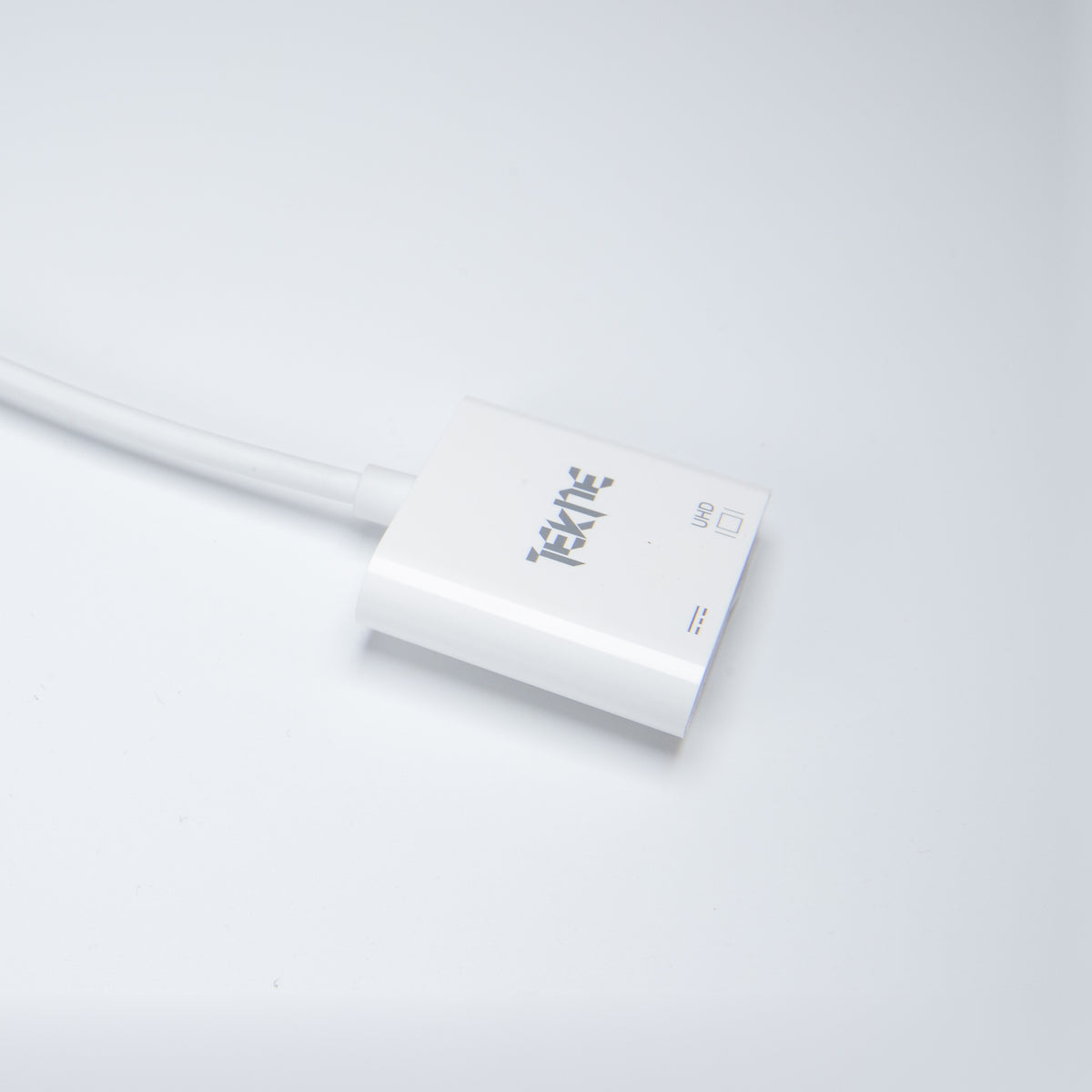
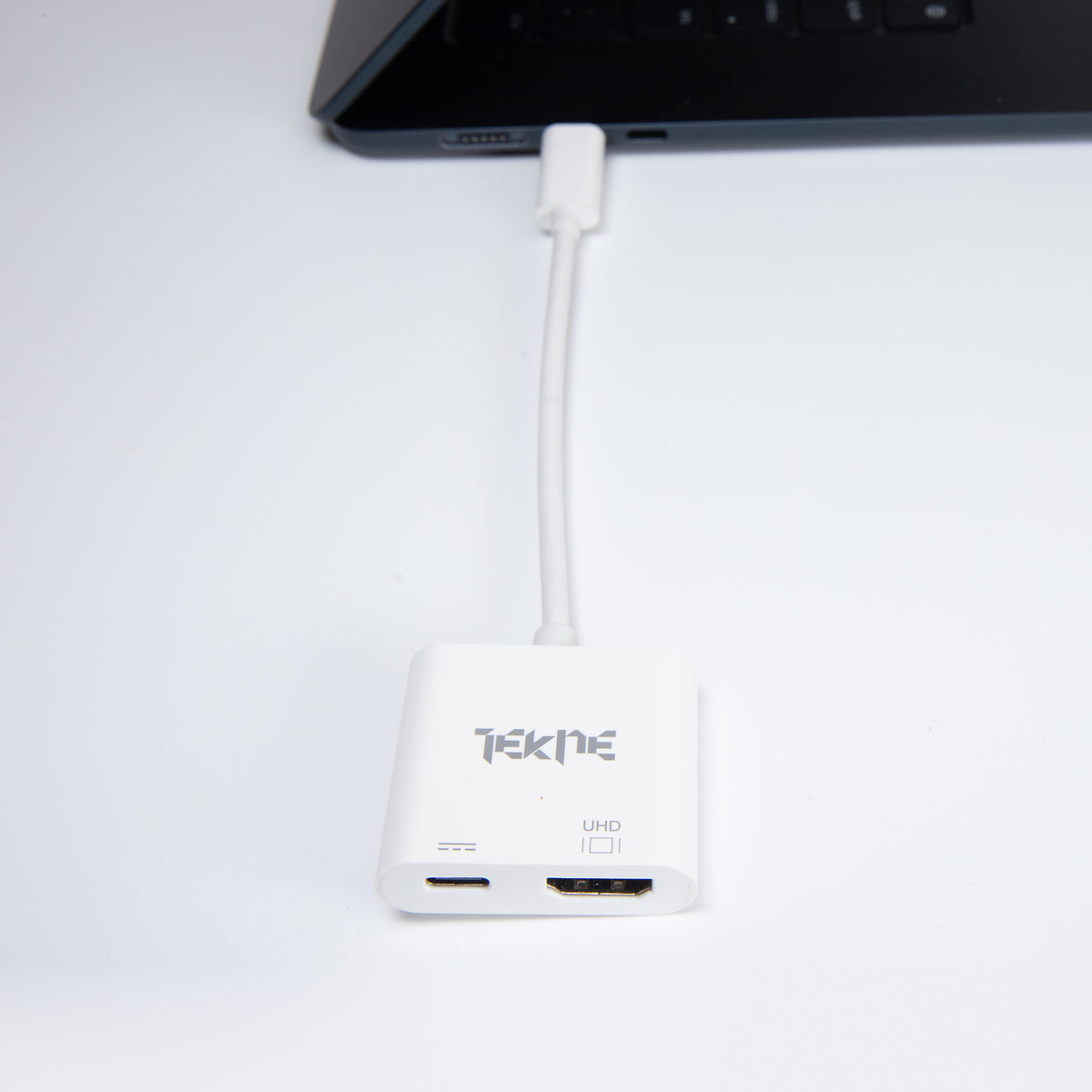
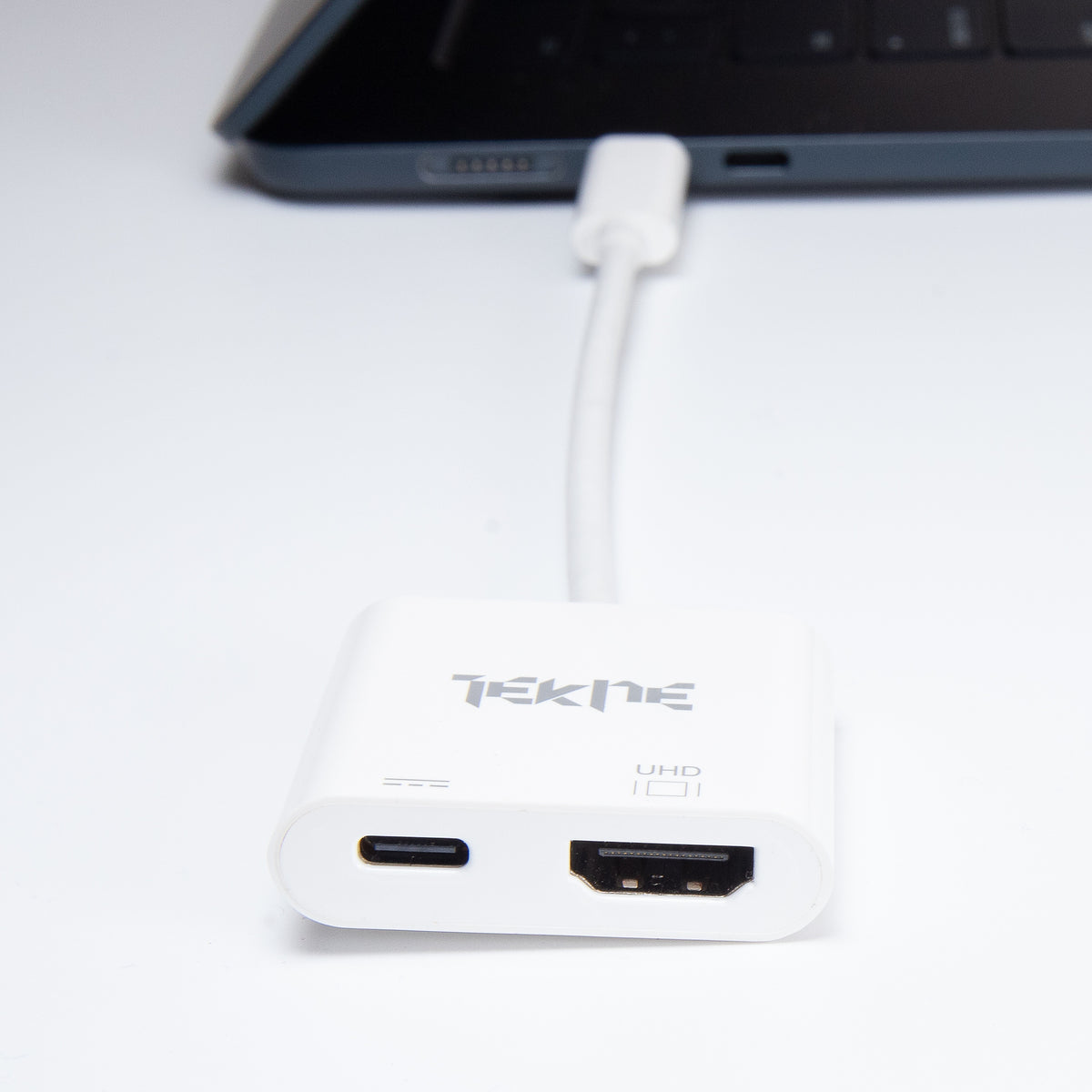
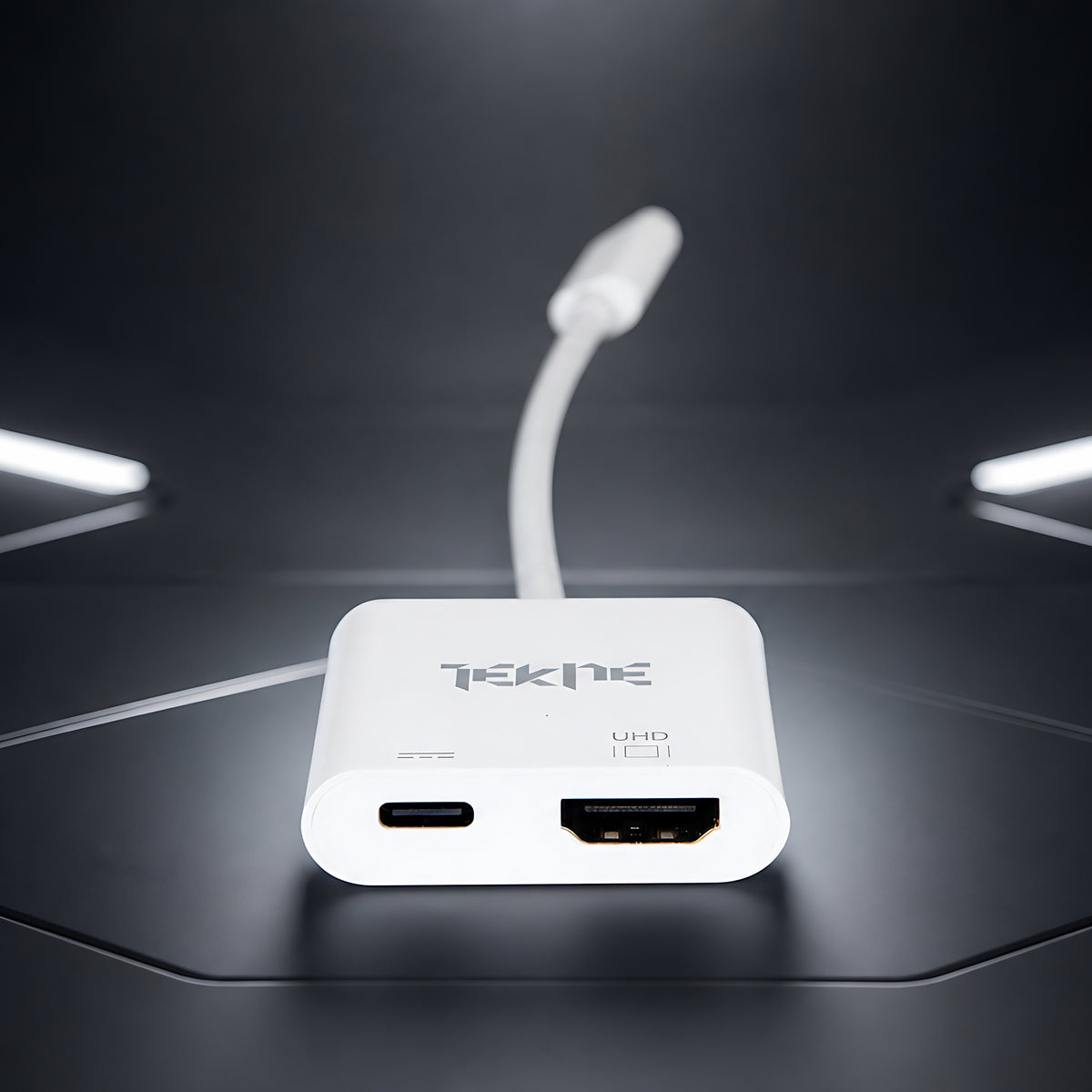
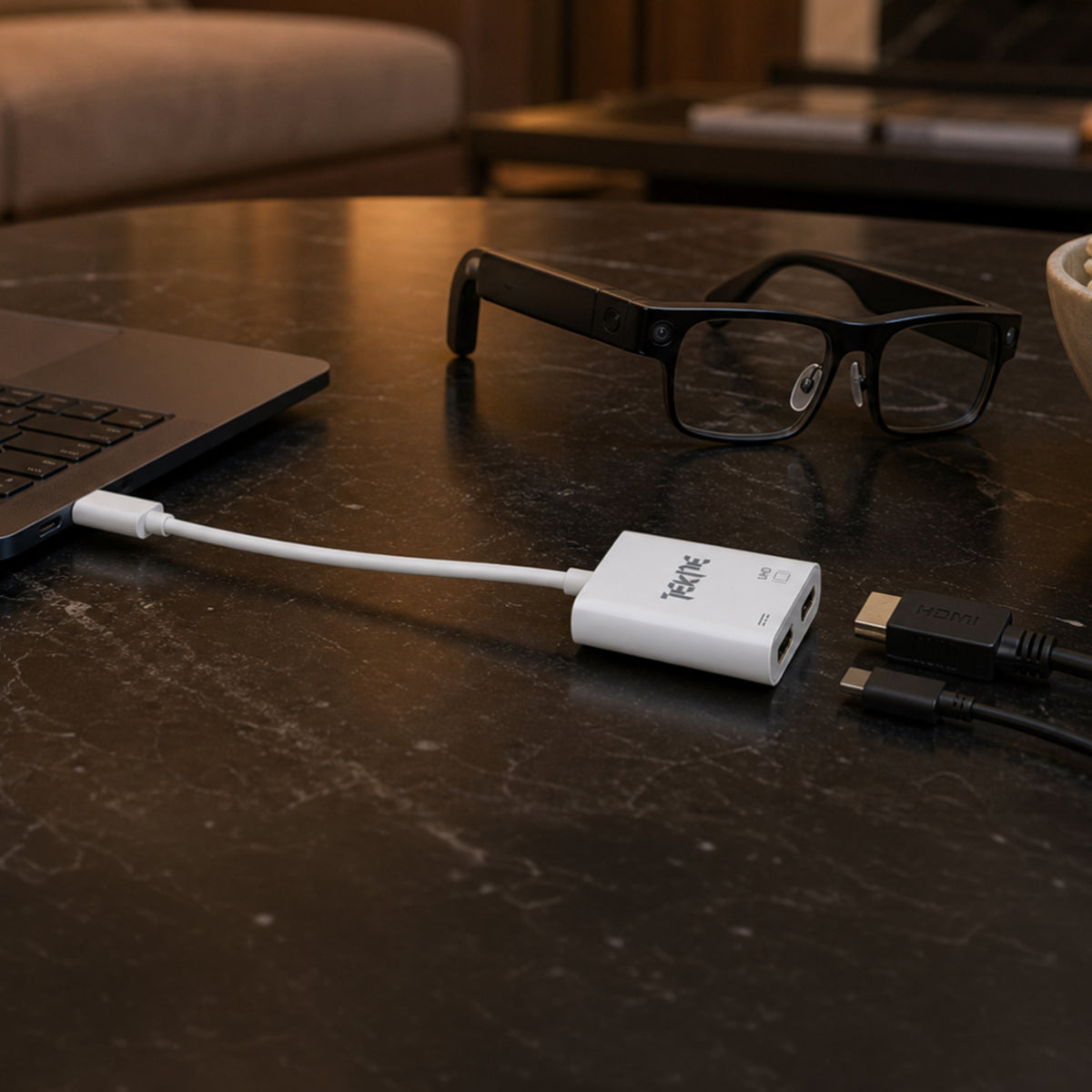
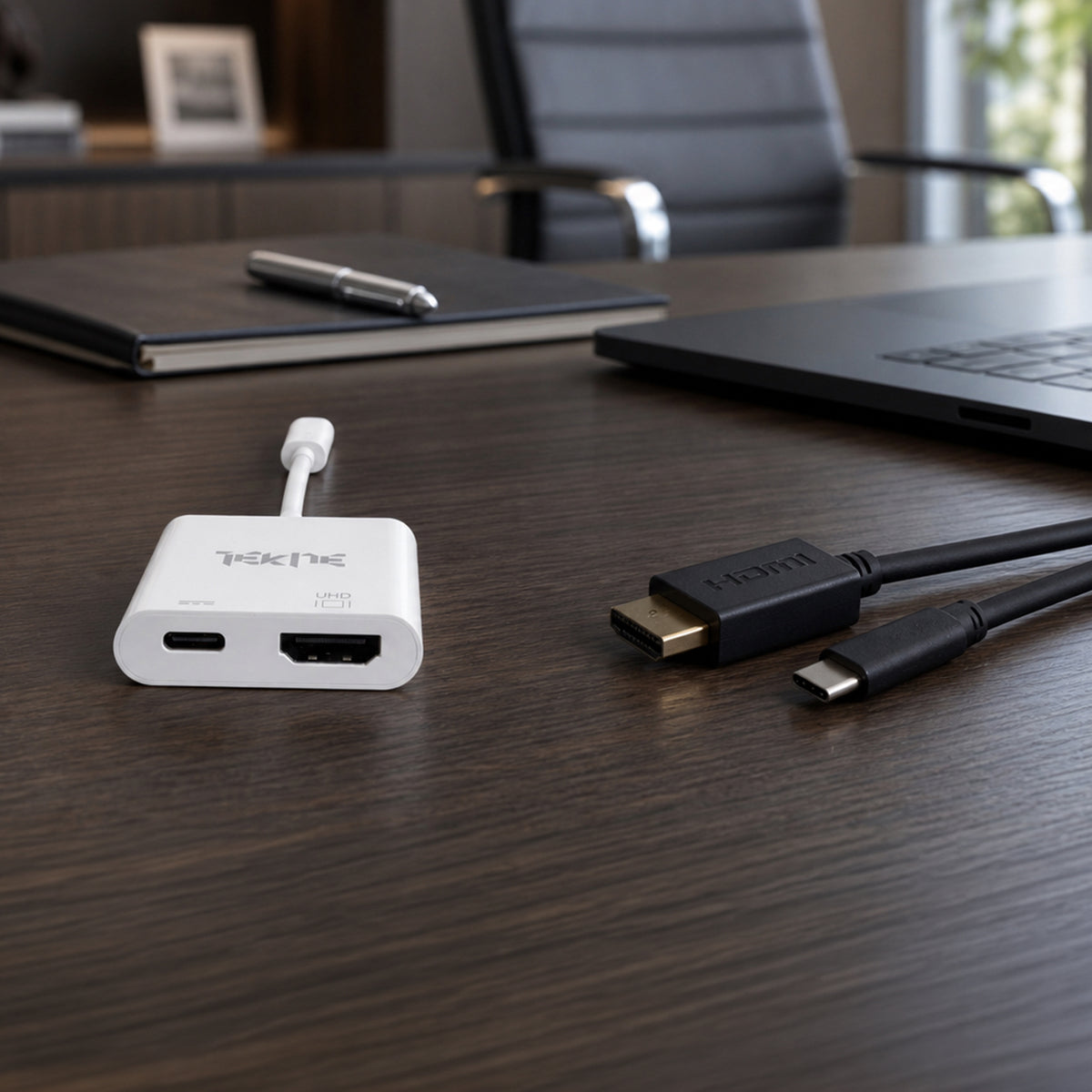
Tekne Essential 2in1 Adapter
THB25-0003

Use SAVE10TEKNE coupon to get 10% OFF on your purchase.
Pairs well with
Shiping Details
More Details
TEKNE Essential 2in1 Adapter
Keep your everyday connectivity setup simple with the TEKNE Essential 2in1 Adapter.
A two-in-one adapter can be useful when you want one accessory to support a simpler everyday setup instead of carrying multiple individual adapters.
Whether you use your devices at home, at work, while studying or while travelling, the TEKNE Essential 2in1 Adapter is designed for users who value convenience and an organised tech setup.
What Is the TEKNE Essential 2in1 Adapter?
The TEKNE Essential 2in1 Adapter is a two-in-one connectivity accessory designed for everyday use.
A 2-in-1 format can make sense if you want:
- Fewer separate accessories
- A simpler desk setup
- Easier organisation while travelling
- One accessory for everyday connectivity needs
- A more convenient addition to your tech bag
If you want to compare other connectivity options, browse the wider range of adapters.
Why Choose a 2 in 1 Adapter?
A two-in-one adapter can be a better choice than carrying multiple single-purpose accessories when your connectivity requirements are relatively simple.
It can be useful if you:
- Prefer carrying fewer accessories
- Regularly move between work and home
- Study in different locations
- Travel with a laptop, tablet or phone
- Prefer an organised workspace
- Do not need a large multiport setup
The main advantage is convenience without adding unnecessary complexity.
Who Is a 2-in-1 Adapter Best For?
Everyday Users
If you only need a simple connectivity accessory, a two-in-one format can be easier to manage than a larger hub.
Students
A smaller accessory can be easier to organise in a study or laptop bag when moving between classes, libraries and home.
Professionals
A two-in-one adapter can fit naturally into a simple office or work-from-home setup.
Travellers
Carrying one useful adapter can be more convenient than packing several separate accessories.
Minimal Desk Setups
If you prefer fewer accessories around your workspace, a 2-in-1 solution can help keep your setup cleaner.
Do You Need a 2-in-1 Adapter or a USB-C Hub?
The right choice depends on how many accessories you normally connect.
| Your Requirement | Better Approach |
|---|---|
| Simple everyday connectivity | Consider a 2-in-1 adapter |
| Easy-to-organise travel setup | A smaller adapter may be more convenient |
| Several accessories connected together | Consider a multiport hub |
| Expanding workstation | A larger hub may offer more flexibility |
| Fewer loose accessories | A 2-in-1 format can simplify your setup |
| Broader connectivity needs | Consider a larger USB-C hub |
If you need more extensive connectivity, explore USB-C hubs.
When Should You Consider the Advanced 12-in-1 Hub Instead?
A two-in-one adapter and a larger multiport hub suit different routines.
Choose a simpler adapter if:
- Your connectivity needs are limited
- You value portability
- You want fewer accessories
- You prefer a straightforward everyday setup
A larger hub may suit you better if:
- You regularly connect several accessories
- You are creating a more complete workstation
- Your connectivity requirements change throughout the day
- You want one central hub for a larger desk setup
For broader connectivity needs, compare the Advanced 12-in-1 hub.
Is a 2-in-1 Adapter Useful for Travel?
Yes. A two-in-one format can be useful when you want to reduce the number of separate accessories you carry.
It can fit naturally into:
- Laptop bags
- Work backpacks
- Tech organisers
- Travel pouches
- Everyday carry setups
If you regularly work away from your main desk, carrying one adapter can make your accessory setup easier to organise.
Is It Useful for Work and Study?
A 2-in-1 adapter can suit flexible work and study routines.
It can be useful around:
- Office desks
- Home offices
- Colleges
- Libraries
- Shared workspaces
- Client meetings
- Travel setups
It is particularly relevant for users who want simple connectivity without carrying a larger hub everywhere.
Looking for a 2 in 1 USB C Adapter?
If you are specifically shopping for a 2 in 1 USB C adapter, make sure the connector and functions you require match your device.
Before ordering, check:
- Your device model
- Its connector type
- The accessories you want to connect
- The function you need from the adapter
This helps you choose an adapter based on your actual setup rather than only the connector name.
Looking for a 2 in 1 Adapter for iPhone?
If you want a 2 in 1 adapter for iPhone, first identify your exact iPhone model and the connection you need.
Check:
- Your iPhone model
- The connector used by your phone
- The cable or accessory you plan to use
- The purpose of the adapter
Confirming these details before purchase helps avoid compatibility problems.
Looking for a 2 in 1 Adapter for iPad?
The same approach applies when choosing a 2 in 1 adapter for iPad.
Before ordering, confirm:
- Your iPad model
- Its connector type
- The accessory you intend to connect
- The function required from the adapter
Different iPad models can have different connectivity requirements, so model confirmation is important.
What About a 2 in 1 Charging Adapter?
If charging is your main reason for shopping for a 2 in 1 charging adapter or 2 in 1 power adapter, check the charging requirements of your device before ordering.
Consider:
- The device you need to charge
- The charging connection it uses
- The charger and cable already in your setup
- The charging function you require
This makes it easier to choose an accessory that suits your actual charging setup.
What Should You Consider Before Buying a 2-in-1 Adapter?
Before you buy a 2 in 1 adapter, consider these factors.
Device Compatibility
Confirm the connector and requirements of the device you plan to use.
Primary Use
Decide what you actually need the adapter to do.
Number of Connections
If your setup involves several accessories at the same time, a larger hub may make more sense.
Portability
A simpler adapter can be easier to organise when you frequently travel or move between workspaces.
Existing Accessories
Check the cables and accessories you already own.
Future Needs
If your setup is likely to expand, consider whether a multiport hub may offer better long-term flexibility.
Why Does USB-C Compatibility Matter?
Devices can use the same USB-C connector while supporting different functions.
Before choosing a USB C adapter online, confirm:
- Your device model
- Required connection
- Accessory compatibility
- Cable compatibility
- The function you need
Checking compatibility first is the easiest way to avoid buying an accessory that does not match your setup.
Is a 2-in-1 Adapter Better Than Carrying Multiple Accessories?
It can be, provided its functions match what you actually need.
Potential benefits include:
- Fewer loose accessories
- Easier organisation
- Less clutter in your bag
- Simpler travel setup
- Easier storage
- Faster setup when moving between locations
The best option is the one that matches your actual devices and routine.
What Other Accessories Might Be Useful?
Your setup may also need compatible cables depending on the devices you use.
For display-related setups, you can explore the 4K HDMI cable.
Always match cables and adapters to the devices and functions you intend to use.
Why Buy from TEKNE World?
The TEKNE Essential 2in1 Adapter includes:
- 24-month warranty
- Free shipping
- Access to TEKNE's wider accessory range
Explore more technology accessories through TEKNE World.
How Do You Set Up a 2-in-1 Adapter?
A simple setup process is:
- Confirm that the adapter matches your device.
- Connect the adapter securely.
- Attach the required accessory or cable.
- Allow your device a moment to recognise the connection.
- Test the function you need.
Never force a connector into a device or accessory.
What Should You Do If the Adapter Is Not Recognised?
Try these basic checks:
- Disconnect and reconnect the adapter.
- Make sure the connection is secure.
- Check the connected cable or accessory.
- Confirm that your device supports the required function.
- Restart the device if necessary.
- Test the accessory separately where possible.
Checking one part of the setup at a time makes troubleshooting easier.
How Do You Care for the Adapter?
To help keep your adapter in good condition:
- Keep it dry.
- Keep connectors free from dust.
- Insert and remove cables gently.
- Avoid pulling on connected cables.
- Never force incompatible connectors.
- Store it safely during travel.
- Keep it away from excessive pressure inside bags.
Simple care can help reduce unnecessary wear on both the adapter and connected accessories.
How Should You Store It While Travelling?
When travelling:
- Keep the adapter in a tech pouch or organiser.
- Avoid storing it loose with keys or sharp objects.
- Keep connectors protected from dust.
- Avoid tightly bending attached cables.
- Store it somewhere easy to access.
Tekne Essential 2in1 Adapter
If you have any questions, you are always welcome to contact us. We'll get back to you as soon as possible, within 24 hours on weekdays.
-
Shipping Information
Ships in 2 working days
Delivery in 3–7 business days -
Customer Support
We're here to help via phone, chat, or email.
Available from Monday to Sunday, 10 AM– 7 PM GMT. -
FAQ’s
Visit our FAQs page to find answers to common questions.
-
Contact Us
We'd love to hear from you. Have a question? We're here to help.
Visit our Contact us Page to reach out.

